> ## Documentation Index
> Fetch the complete documentation index at: https://docs.phare.io/llms.txt
> Use this file to discover all available pages before exploring further.
# Changelog
> Follow the updates and improvements made to the Phare platform in 2025.
 ## Public growth metrics
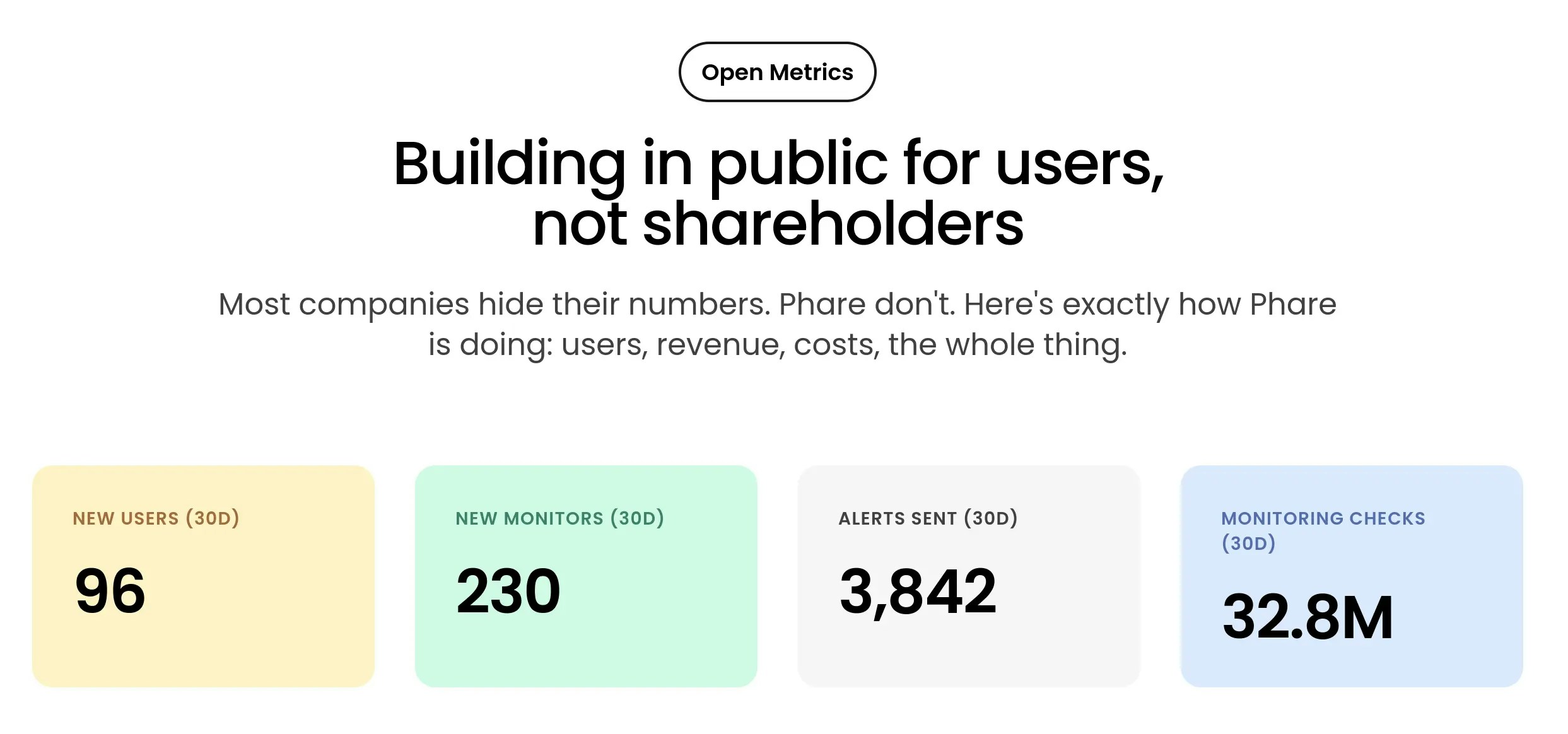
Phare now shares growth metrics openly, so you can follow the journey with live user registration stats, monthly uptime monitoring checks, detailed revenue, and cost breakdown.
Visit the [open metrics page](https://phare.io/open).
## Public growth metrics
Phare now shares growth metrics openly, so you can follow the journey with live user registration stats, monthly uptime monitoring checks, detailed revenue, and cost breakdown.
Visit the [open metrics page](https://phare.io/open).
 ## New uptime monitoring region in France
A brand-new monitoring region is now live in France, humming with that signature hon hon hon server noise. Expect uptime as fast as a TGV, incidents that dramatically shout “SACRE BLEU”, and a special Parisian luxury experience.
## New uptime monitoring region in France
A brand-new monitoring region is now live in France, humming with that signature hon hon hon server noise. Expect uptime as fast as a TGV, incidents that dramatically shout “SACRE BLEU”, and a special Parisian luxury experience.
 ## Customize status page subscription channels
You can now customize which subscription channels are available for your users on your status page. The current selection of subscription channels is RSS and Atom.
## Customize status page subscription channels
You can now customize which subscription channels are available for your users on your status page. The current selection of subscription channels is RSS and Atom.
## Improved combobox selection
A small convenience update for those of you with dozens of monitors or team members, Phare's combobox now comes with an easy way to select or deselect all options, allowing you to act faster without having to do 60 clicks.
 ## AI-generated incident summaries and post-mortems
Resolving incidents just got a whole lot easier. Programmatic incidents are now automatically enriched with AI-generated summaries and post-mortems, giving you a clear overview of what happened without the manual effort.
This feature is powered by Mistral’s Magistral Small model, chosen for its efficiency and privacy-friendly design.
Incident AI is configurable per project, and available on all plans with monthly quotas:
* **Hobby**: 10 AI generations / month
* **Scale**: 100 AI generations / month + optional pay-as-you-go
You can also rate each AI summary directly from the incident page. Feedback helps improve accuracy and usefulness over time.
Read more about [Incident AI](/uptime/incidents#incident-ai) in the documentation.
## AI-generated incident summaries and post-mortems
Resolving incidents just got a whole lot easier. Programmatic incidents are now automatically enriched with AI-generated summaries and post-mortems, giving you a clear overview of what happened without the manual effort.
This feature is powered by Mistral’s Magistral Small model, chosen for its efficiency and privacy-friendly design.
Incident AI is configurable per project, and available on all plans with monthly quotas:
* **Hobby**: 10 AI generations / month
* **Scale**: 100 AI generations / month + optional pay-as-you-go
You can also rate each AI summary directly from the incident page. Feedback helps improve accuracy and usefulness over time.
Read more about [Incident AI](/uptime/incidents#incident-ai) in the documentation.
 ## Smart incident merging
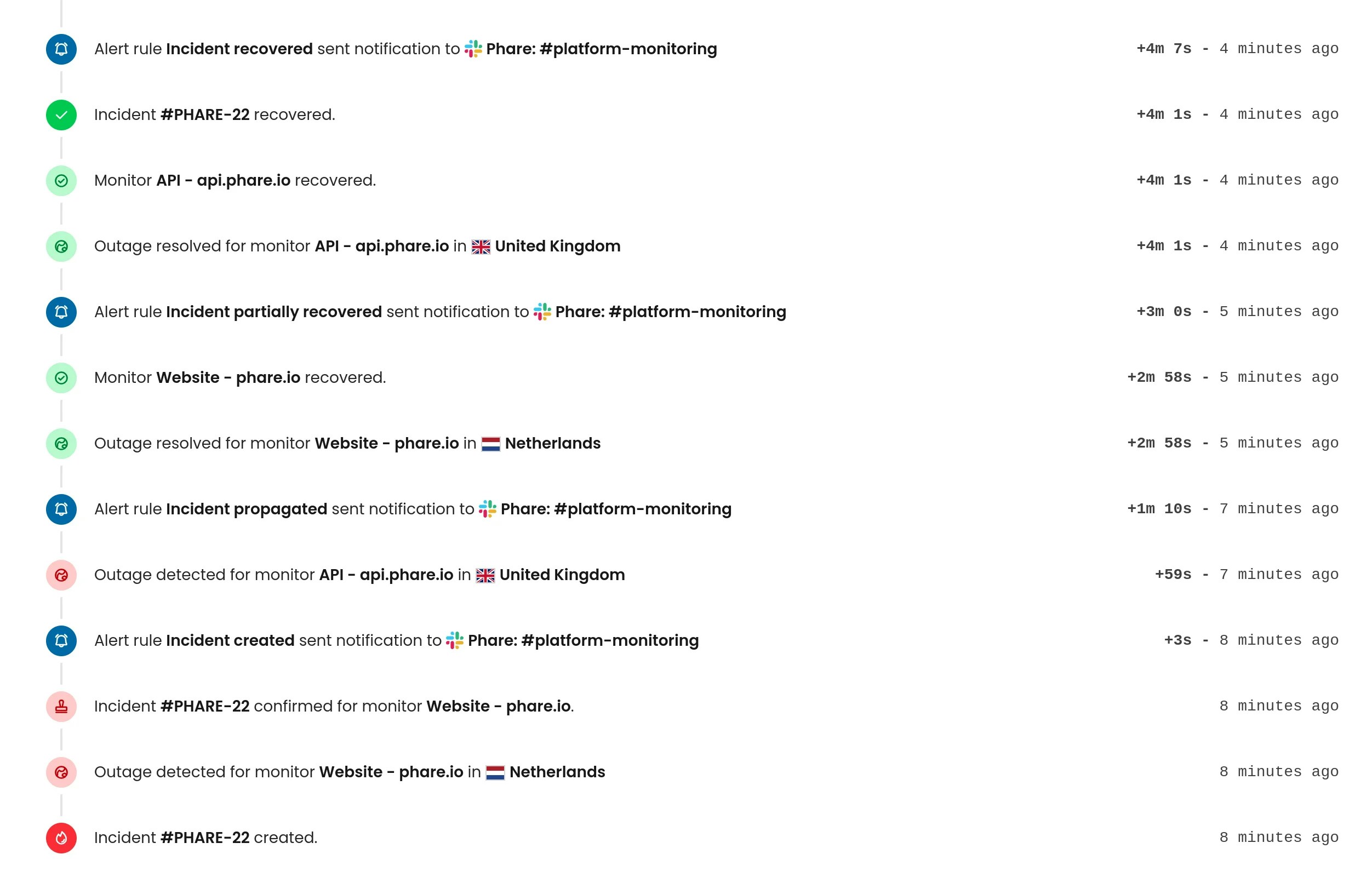
Smart Incident merging is now available! This feature can be activated on a per-project basis, allowing you to choose a merge time window that fits your needs. Only similar incidents are merged together, and when paired with the thread support released a few weeks ago, this drastically reduces notification noise.
Two new alert rule events are available:
* **Incident Propagated**: A new monitor starts failing and is merged into an existing incident.
* **Incident Partially Recovered**: One of the previously failing monitors recovers, but the incident remains open.
Smart incident merging is not enabled by default for existing accounts, so you need to opt in from your project settings.
Read the extended [Smart Incident merging documentation](/uptime/incidents#smart-incident-merging) for more information on this new feature.
## Smart incident merging
Smart Incident merging is now available! This feature can be activated on a per-project basis, allowing you to choose a merge time window that fits your needs. Only similar incidents are merged together, and when paired with the thread support released a few weeks ago, this drastically reduces notification noise.
Two new alert rule events are available:
* **Incident Propagated**: A new monitor starts failing and is merged into an existing incident.
* **Incident Partially Recovered**: One of the previously failing monitors recovers, but the incident remains open.
Smart incident merging is not enabled by default for existing accounts, so you need to opt in from your project settings.
Read the extended [Smart Incident merging documentation](/uptime/incidents#smart-incident-merging) for more information on this new feature.
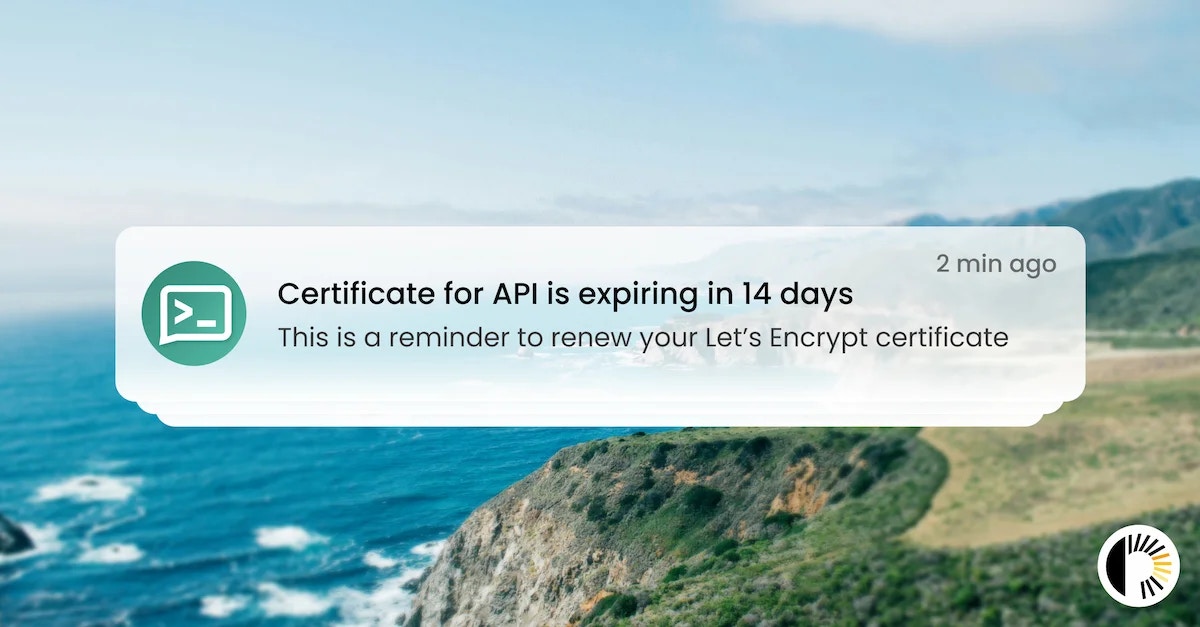 ## Ntfy.sh integration
A new integration with [ntfy.sh](https://ntfy.sh) is now available to send alerts to your ntfy application. The integration supports sending messages to a topic through a custom server hostname and access token authentication. It can already be used with all existing alert events.
You can find the documentation for the [ntfy integration here](/integrations/ntfy).
## Ntfy.sh integration
A new integration with [ntfy.sh](https://ntfy.sh) is now available to send alerts to your ntfy application. The integration supports sending messages to a topic through a custom server hostname and access token authentication. It can already be used with all existing alert events.
You can find the documentation for the [ntfy integration here](/integrations/ntfy).
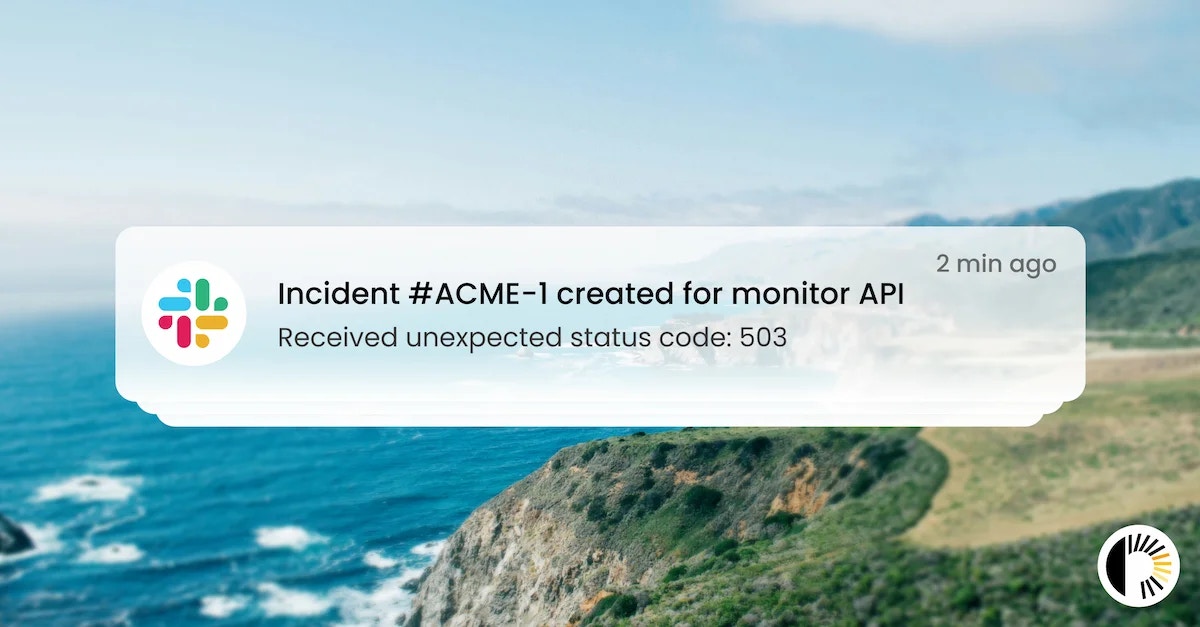 ## Support for Slack threads
The Phare integration for Slack now sends all notifications related to the same incident in a dedicated thread, making it easier to follow and manage incident notifications without cluttering your main channels.
This update requires you to reinstall the integration to grant the permissions necessary for creating threads. You can do this from the integrations page of your dashboard, as explained in the [Slack integration documentation](/integrations/slack#reinstallation).
## Support for Slack threads
The Phare integration for Slack now sends all notifications related to the same incident in a dedicated thread, making it easier to follow and manage incident notifications without cluttering your main channels.
This update requires you to reinstall the integration to grant the permissions necessary for creating threads. You can do this from the integrations page of your dashboard, as explained in the [Slack integration documentation](/integrations/slack#reinstallation).
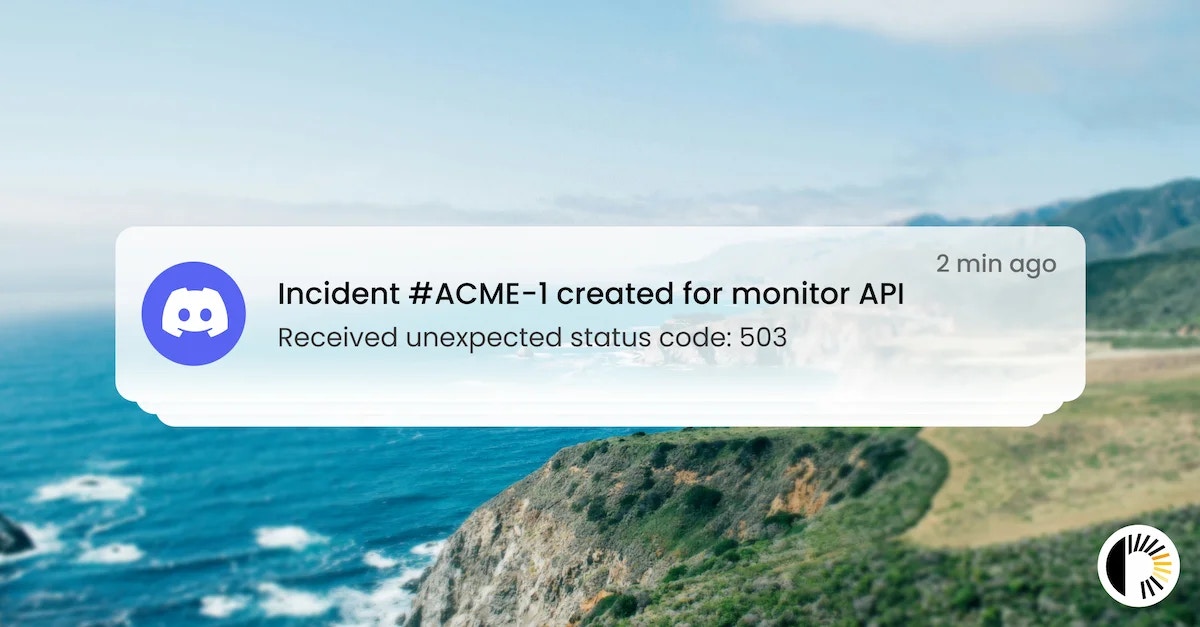 ## Support for Discord threads
The Phare integration for Discord now sends all notifications related to the same incident in a dedicated thread, making it easier to follow and manage incident notifications without cluttering your main channels.
This update requires you to reinstall the integration to grant the permissions necessary for creating threads. You can do this from the integrations page of your dashboard, as explained in the [Discord integration documentation](/integrations/discord#reinstallation).
## Support for Discord threads
The Phare integration for Discord now sends all notifications related to the same incident in a dedicated thread, making it easier to follow and manage incident notifications without cluttering your main channels.
This update requires you to reinstall the integration to grant the permissions necessary for creating threads. You can do this from the integrations page of your dashboard, as explained in the [Discord integration documentation](/integrations/discord#reinstallation).
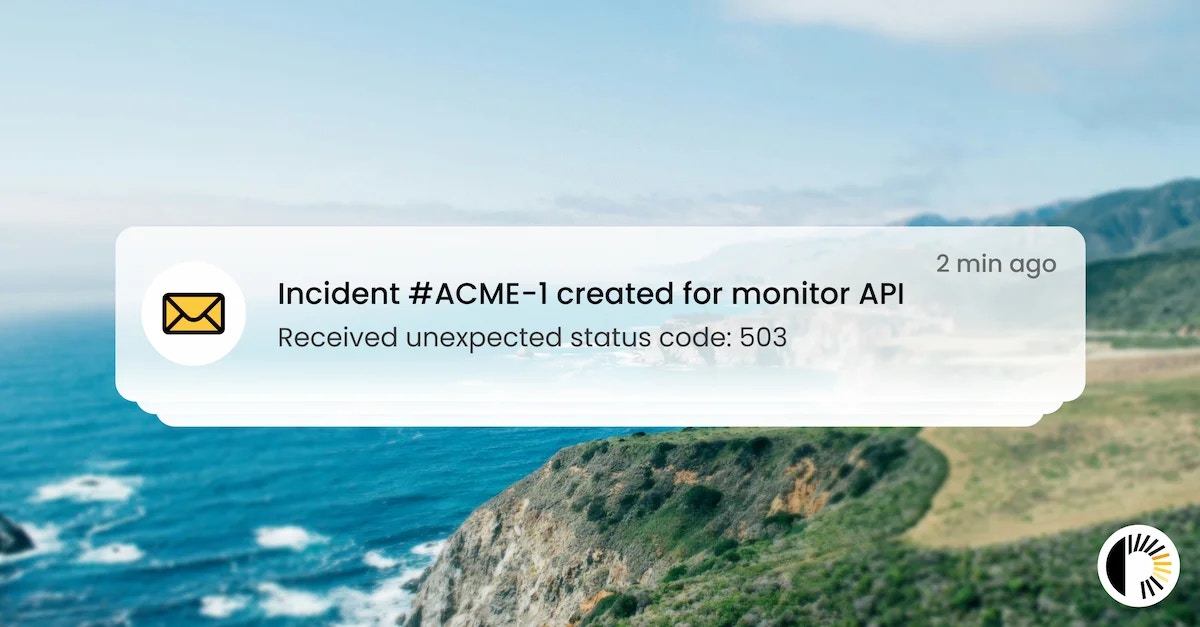 ## Support for email threads
Email alerts sent to your inbox now support email threads, making it easier to follow and manage incident notifications without cluttering. When you receive multiple notifications for the same incident, they will be grouped together in a single email thread, allowing you to see the entire conversation in one place.
All emails also got a fresh new look that is more consistent with the Phare design system.
## Support for email threads
Email alerts sent to your inbox now support email threads, making it easier to follow and manage incident notifications without cluttering. When you receive multiple notifications for the same incident, they will be grouped together in a single email thread, allowing you to see the entire conversation in one place.
All emails also got a fresh new look that is more consistent with the Phare design system.
 ## Alert rule filtering for incident events
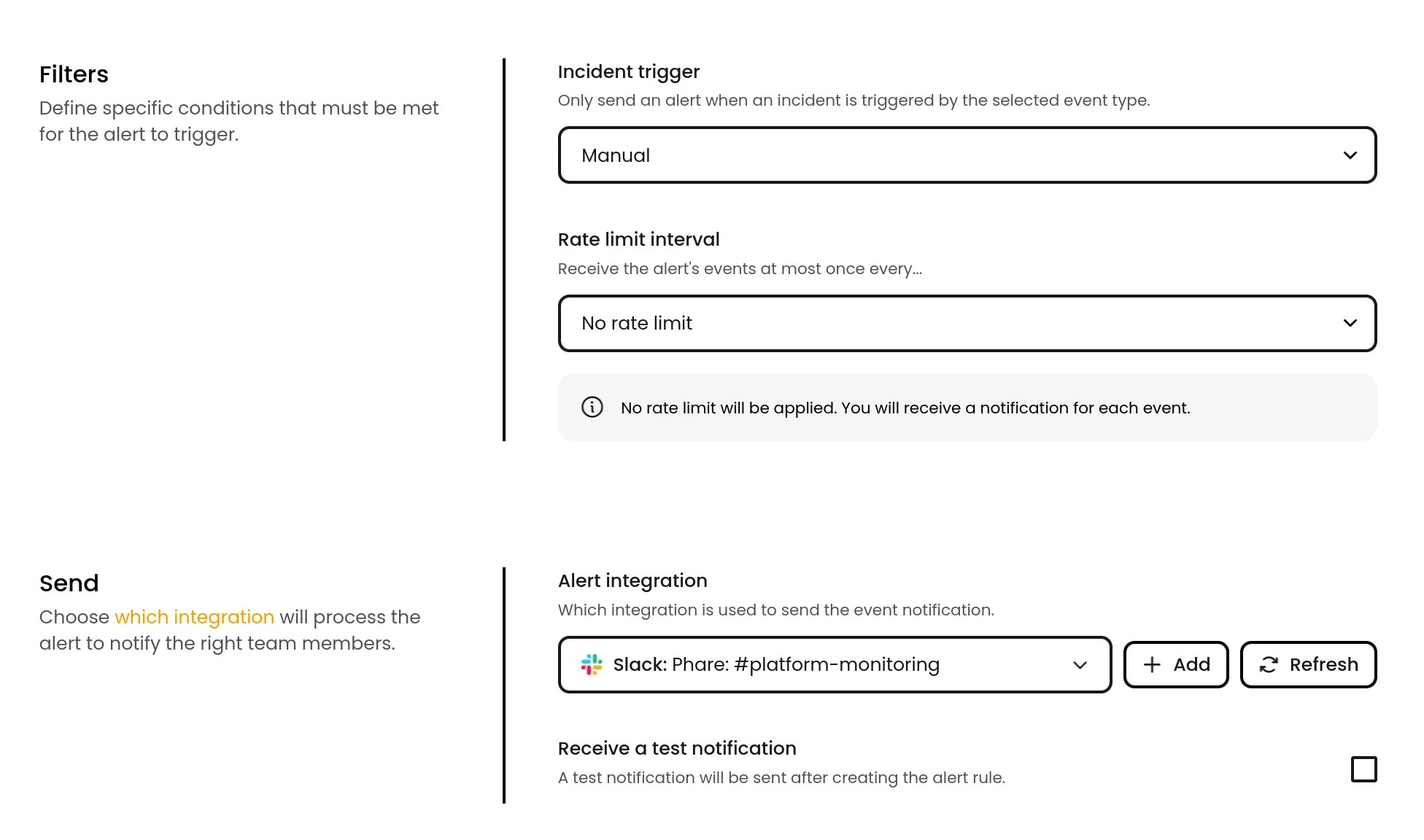
Some alert rules can now be filtered to only send notifications for specific incident types. This is particularly useful to avoid being notified of manually created incidents, or to send notifications to different channels based on the incident type.
The following alert events now support filtering by incident type:
* Incident created
* Incident recovered
* Incident comment created
* Incident update published
## Alert rule filtering for incident events
Some alert rules can now be filtered to only send notifications for specific incident types. This is particularly useful to avoid being notified of manually created incidents, or to send notifications to different channels based on the incident type.
The following alert events now support filtering by incident type:
* Incident created
* Incident recovered
* Incident comment created
* Incident update published
 ## Support for POST, PUT and PATCH methods with a body
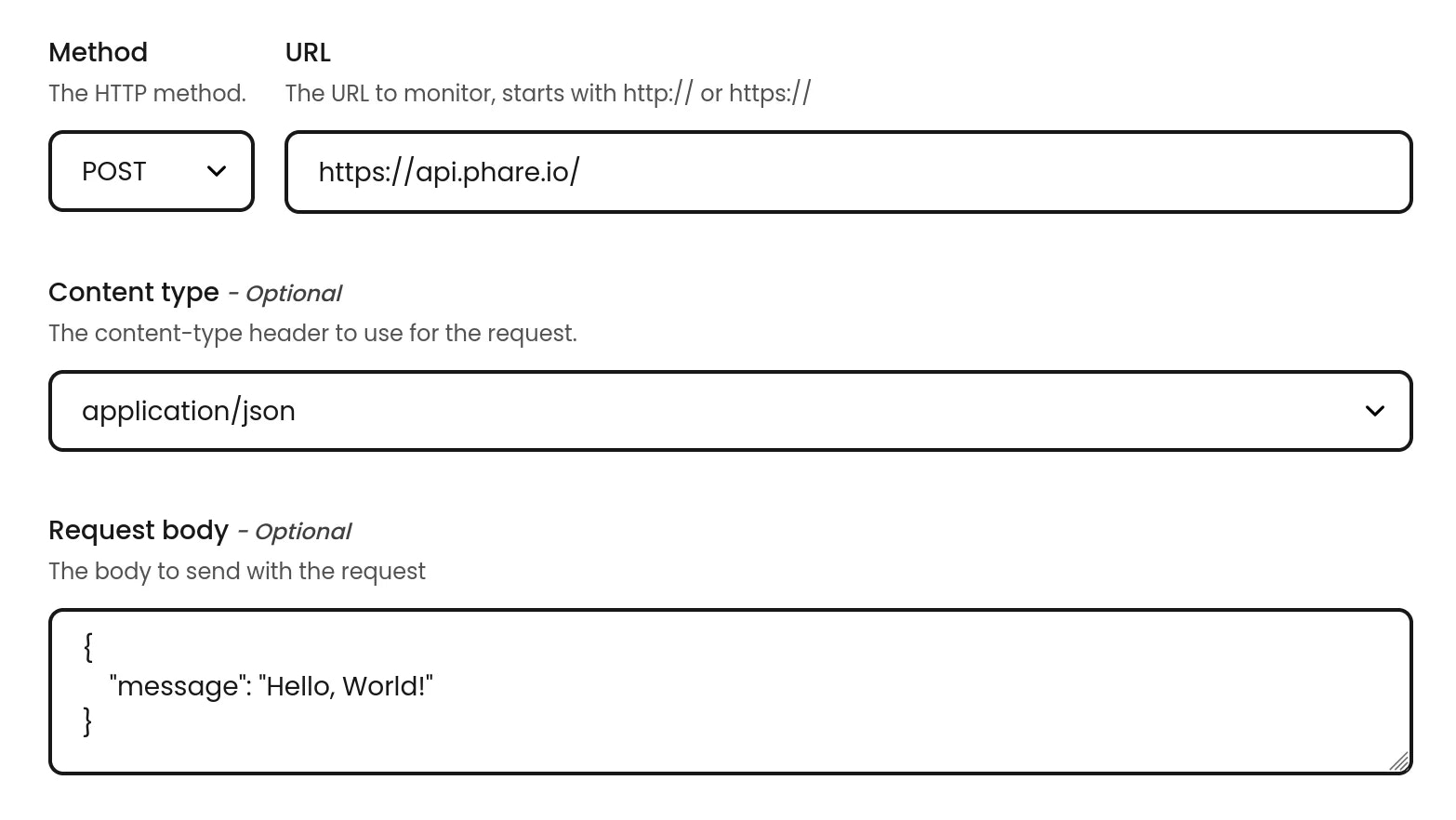
You can now create HTTP(S) monitors using the POST, PUT or PATCH methods, and include a request body with a content type of your choice. This allows you to monitor APIs and webhooks that require a specific method and payload.
## Support for POST, PUT and PATCH methods with a body
You can now create HTTP(S) monitors using the POST, PUT or PATCH methods, and include a request body with a content type of your choice. This allows you to monitor APIs and webhooks that require a specific method and payload.
 ## Custom status page history timeframe
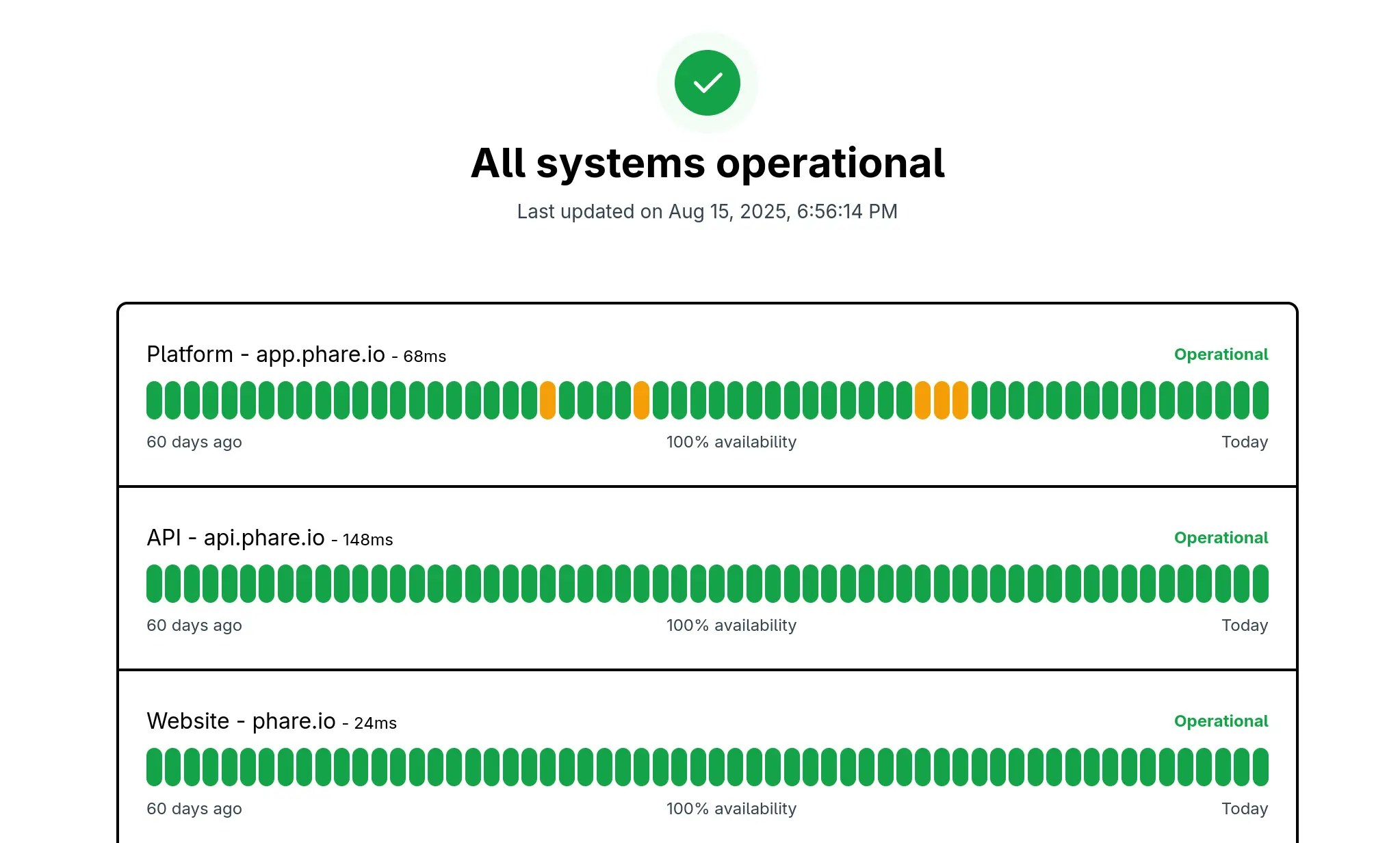
You can now customize the timeframe of the status page history, allowing you to choose between 30, 60 or 90 days. This gives you more flexibility in how much historical data you want to display on your status page.
## Custom status page history timeframe
You can now customize the timeframe of the status page history, allowing you to choose between 30, 60 or 90 days. This gives you more flexibility in how much historical data you want to display on your status page.
 ## Mute projects
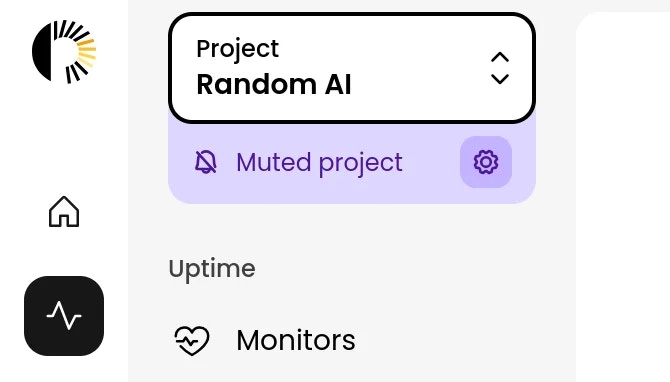
It is now possible to mute an entire project that is being a little too noisy. Notifications are muted, but:
* Incidents still show up in the dashboard
* Notifications are logged with a "muted" status
* You can still access the uptime percentage and other stats of your monitors
Perfect for temporarily unstable infra, or that one API that breaks a few times a day.
The feature can be activated from the Alert Rules page of your dashboard, and a special indicator will be shown for all muted projects.
## Mute projects
It is now possible to mute an entire project that is being a little too noisy. Notifications are muted, but:
* Incidents still show up in the dashboard
* Notifications are logged with a "muted" status
* You can still access the uptime percentage and other stats of your monitors
Perfect for temporarily unstable infra, or that one API that breaks a few times a day.
The feature can be activated from the Alert Rules page of your dashboard, and a special indicator will be shown for all muted projects.
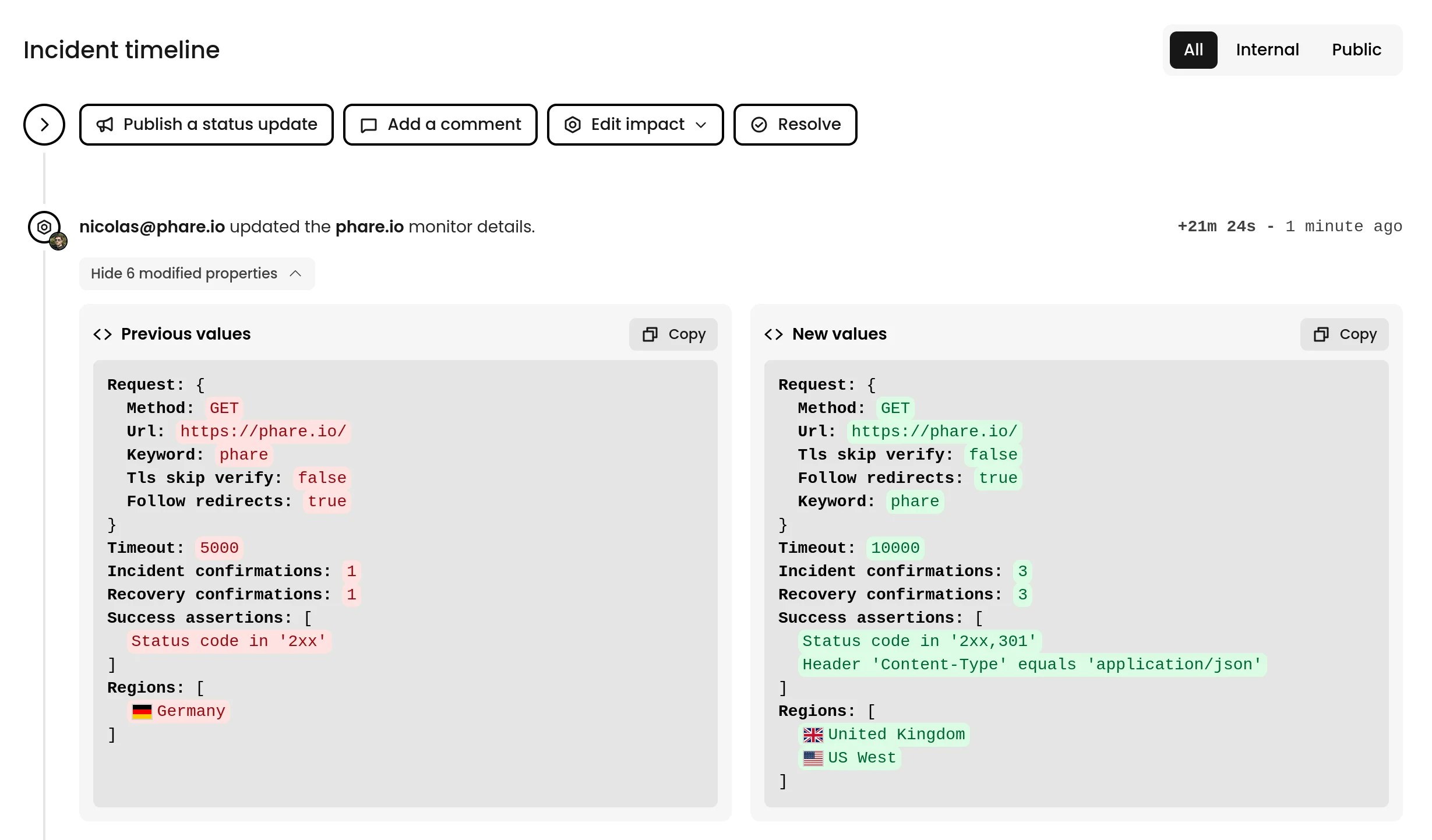 ## Improved incident timeline
Many improvements landed on the incident timeline to improve the incident management experience:
* Details of monitor modifications done during an incident active period are now shown in the timeline
* Details of incident modifications done during an incident active period are now shown in the timeline
* Relevant actions performed by API are now logged in the timeline, with the name of the API key used to perform the action
* The timeline design has been refreshed and made more compact to show more data
## Improved incident timeline
Many improvements landed on the incident timeline to improve the incident management experience:
* Details of monitor modifications done during an incident active period are now shown in the timeline
* Details of incident modifications done during an incident active period are now shown in the timeline
* Relevant actions performed by API are now logged in the timeline, with the name of the API key used to perform the action
* The timeline design has been refreshed and made more compact to show more data
## Support for brotli and zstandard compression
Phare's monitoring agent (A.K.A Beacon) now supports Brotli and Zstandard compression algorithms. The deflate implementation has also been updated to be compatible with the RFC 1950 standard on top of the existing RFC 1951 implementation.
The monitoring agent `Content-Encoding` header has been updated to reflect this change:
```text theme={null}
Content-Encoding: gzip, deflate, br, zstd
```
This should save a few bytes over the years ✌️
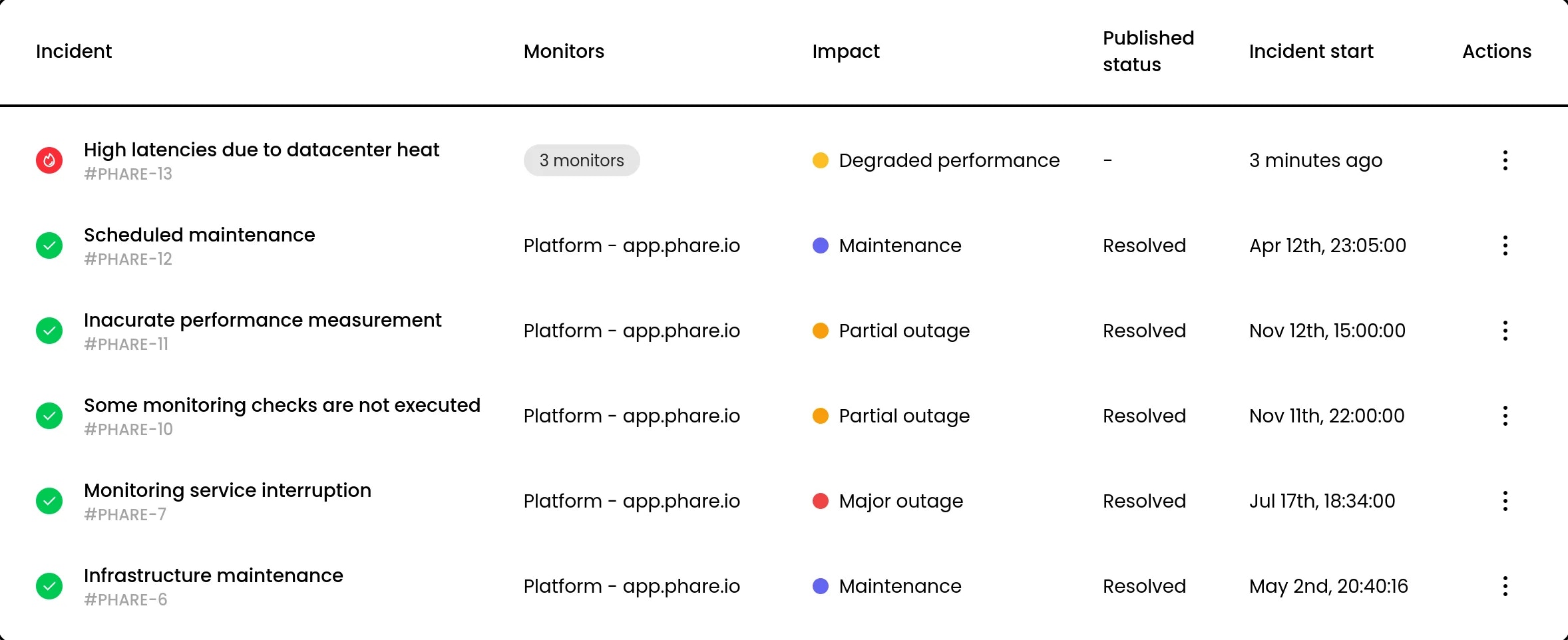 ## Create incidents for multiple monitors
It is now possible to create incidents for multiple monitors at once. This is a big structural change that will allow building features like incident merging.
## Create incidents for multiple monitors
It is now possible to create incidents for multiple monitors at once. This is a big structural change that will allow building features like incident merging.
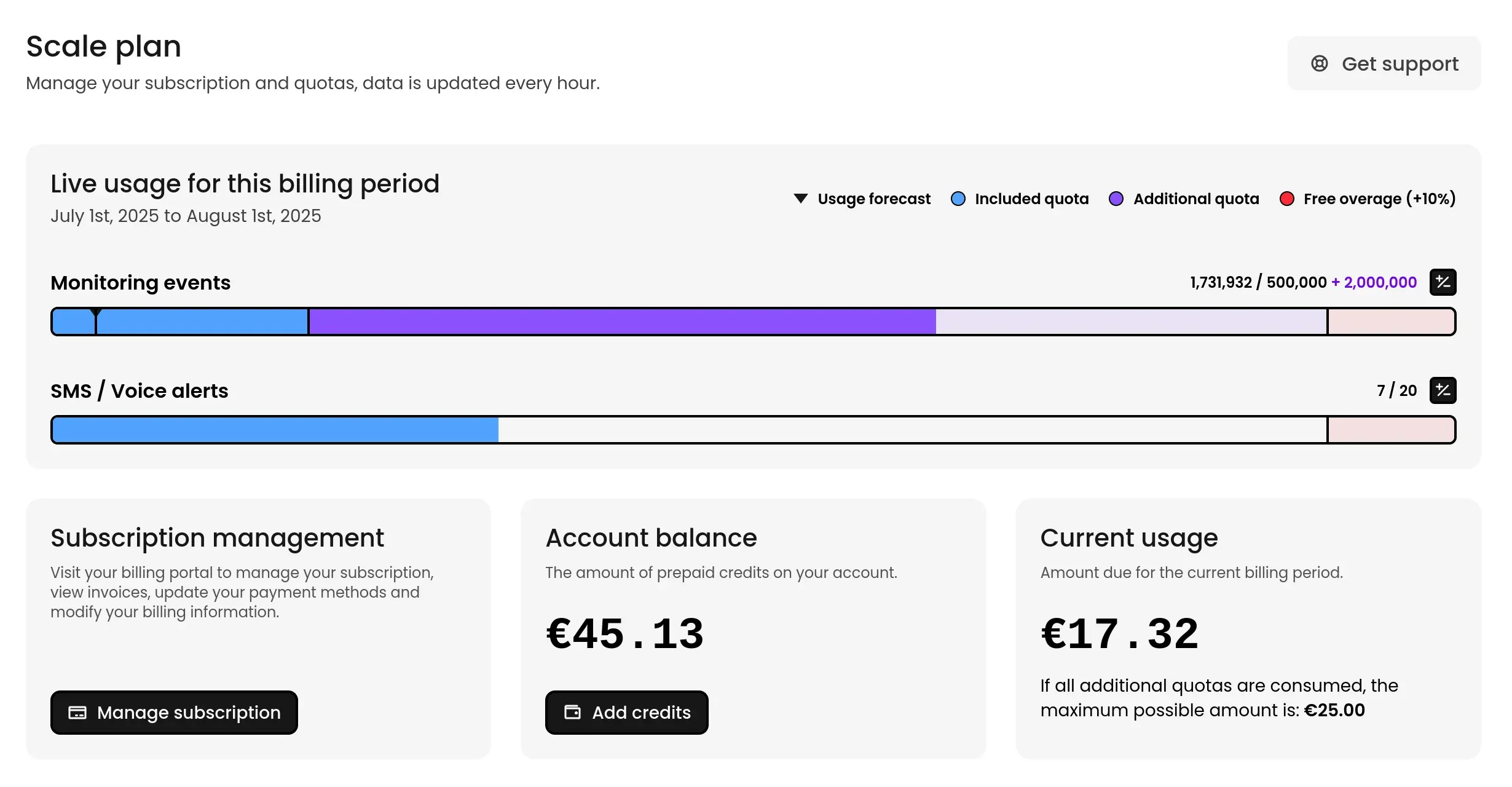 ## Credits payment for Scale plan
The Scale plan now supports prepayment, allowing you to pay for a few months or a few years in advance. This allows you to receive a single invoice for the entire period and avoid monthly payments.
This comes with a slight change for users already on the Scale plan, as the plan is now paid at the end of the month instead of the beginning.
## Credits payment for Scale plan
The Scale plan now supports prepayment, allowing you to pay for a few months or a few years in advance. This allows you to receive a single invoice for the entire period and avoid monthly payments.
This comes with a slight change for users already on the Scale plan, as the plan is now paid at the end of the month instead of the beginning.
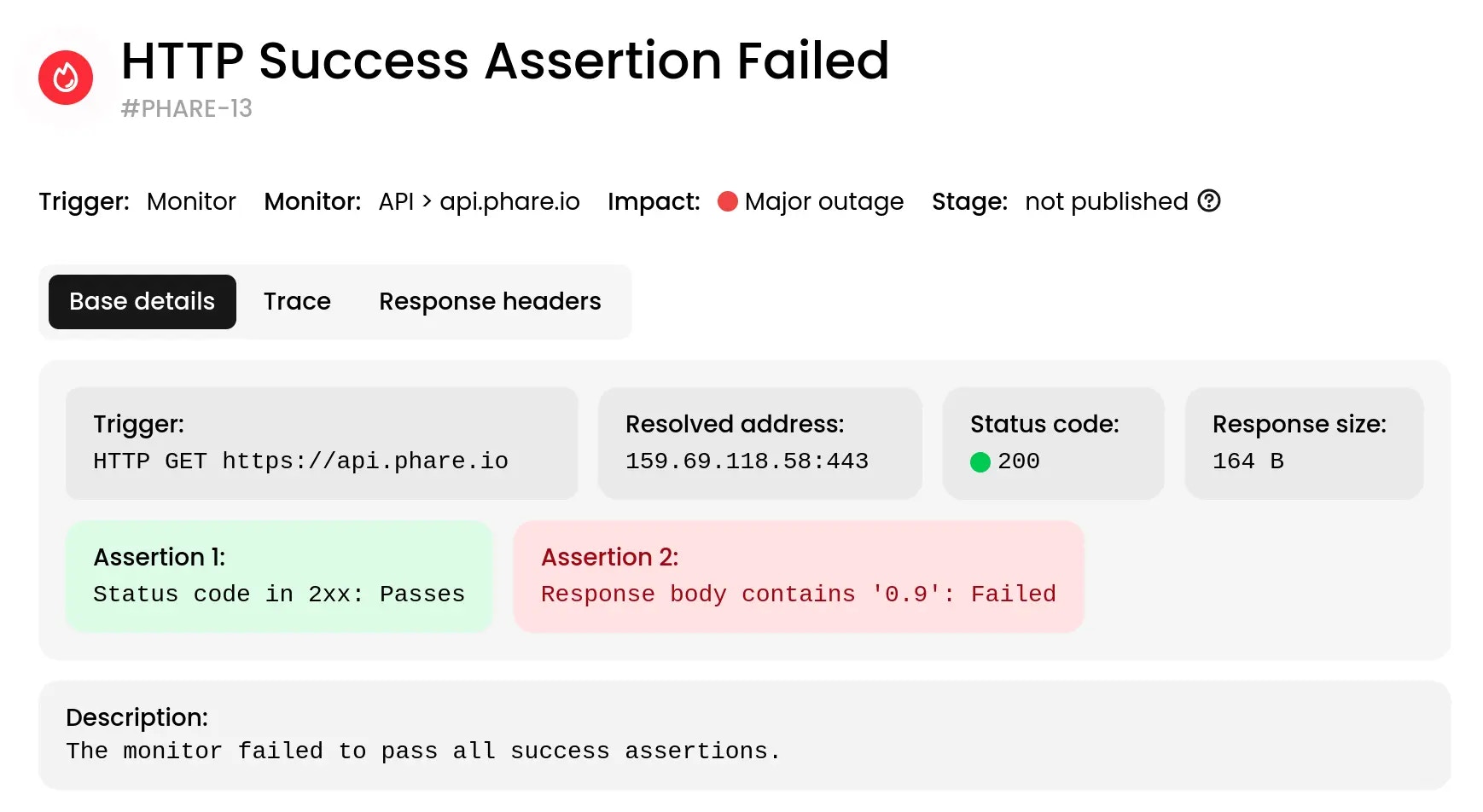 ## Enhanced incident details
The information available in incident reports has been extended to include:
* ✅ *Resolved address*: See the final hostname and port.
* 🔢 *Status code*: Quickly verify the HTTP response status.
* 🧪 *Assertion results*: View detailed outcomes for each assertion.
* 📦 *Response size*: View the byte size of the response body.
* 🧾 *Response headers*: Inspect the HTTP headers returned by the server.
* 🔍 *Request trace*: Follow the full journey of the request through each step.
The additional context should help you identify incident root causes more quickly and accurately.
## Enhanced incident details
The information available in incident reports has been extended to include:
* ✅ *Resolved address*: See the final hostname and port.
* 🔢 *Status code*: Quickly verify the HTTP response status.
* 🧪 *Assertion results*: View detailed outcomes for each assertion.
* 📦 *Response size*: View the byte size of the response body.
* 🧾 *Response headers*: Inspect the HTTP headers returned by the server.
* 🔍 *Request trace*: Follow the full journey of the request through each step.
The additional context should help you identify incident root causes more quickly and accurately.
## Updated inactivity restriction for Hobby plan
Organizations on the **Hobby** plan are now automatically deactivated after 4 months of inactivity, instead of 6 months. This means that if your organization has no active members for 4 months, it will be deactivated and all data will be deleted after receiving two reminder emails.
This change is necessary to keep the platform sustainable, and requesting three sign-ins per year seems reasonable for a free plan.
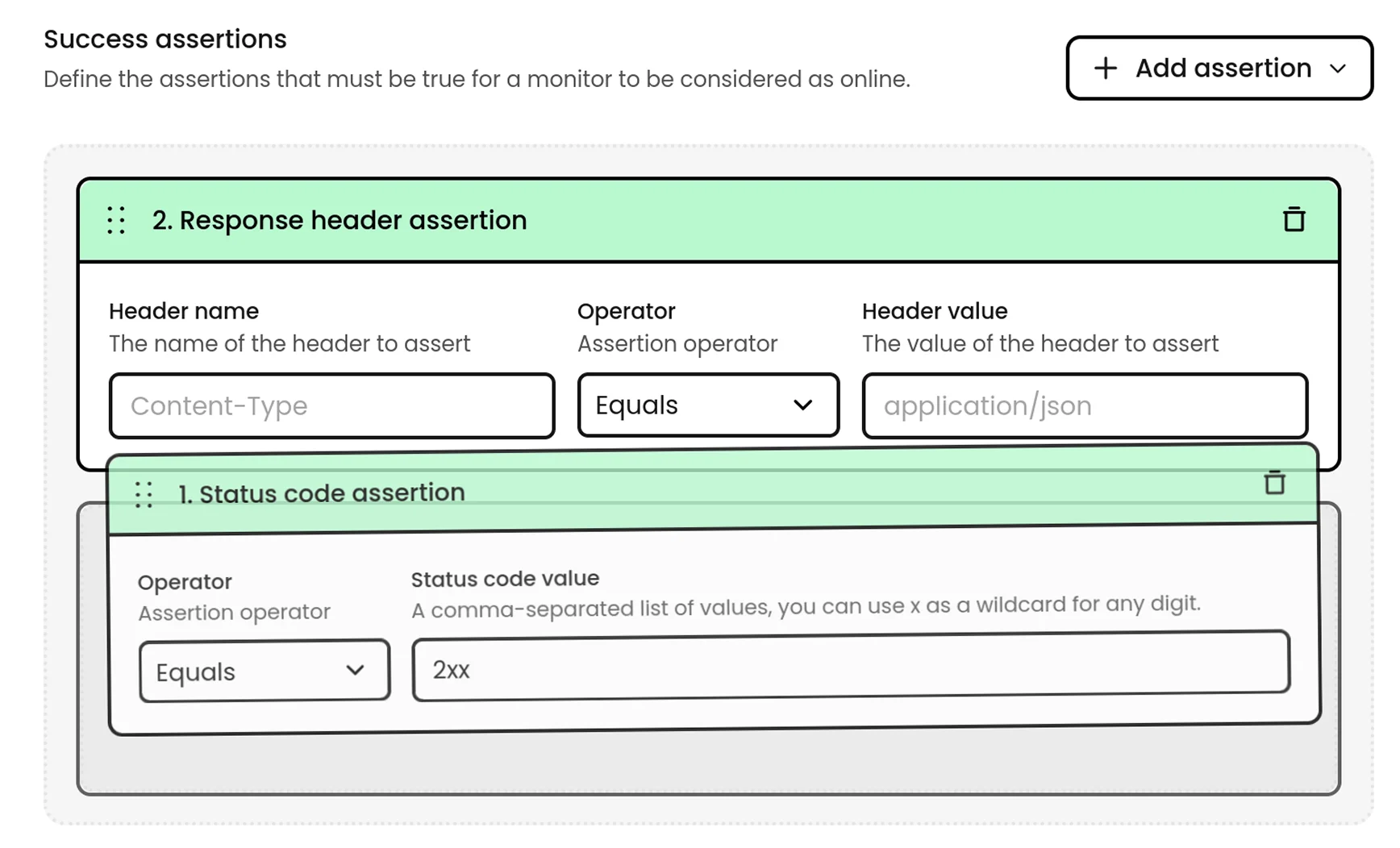 ## Success assertions
You can now define success assertions for your monitors, allowing you to specify custom checks for:
* Status codes (with support for wildcards and multiple codes)
* Response headers
* Response body content
## Success assertions
You can now define success assertions for your monitors, allowing you to specify custom checks for:
* Status codes (with support for wildcards and multiple codes)
* Response headers
* Response body content
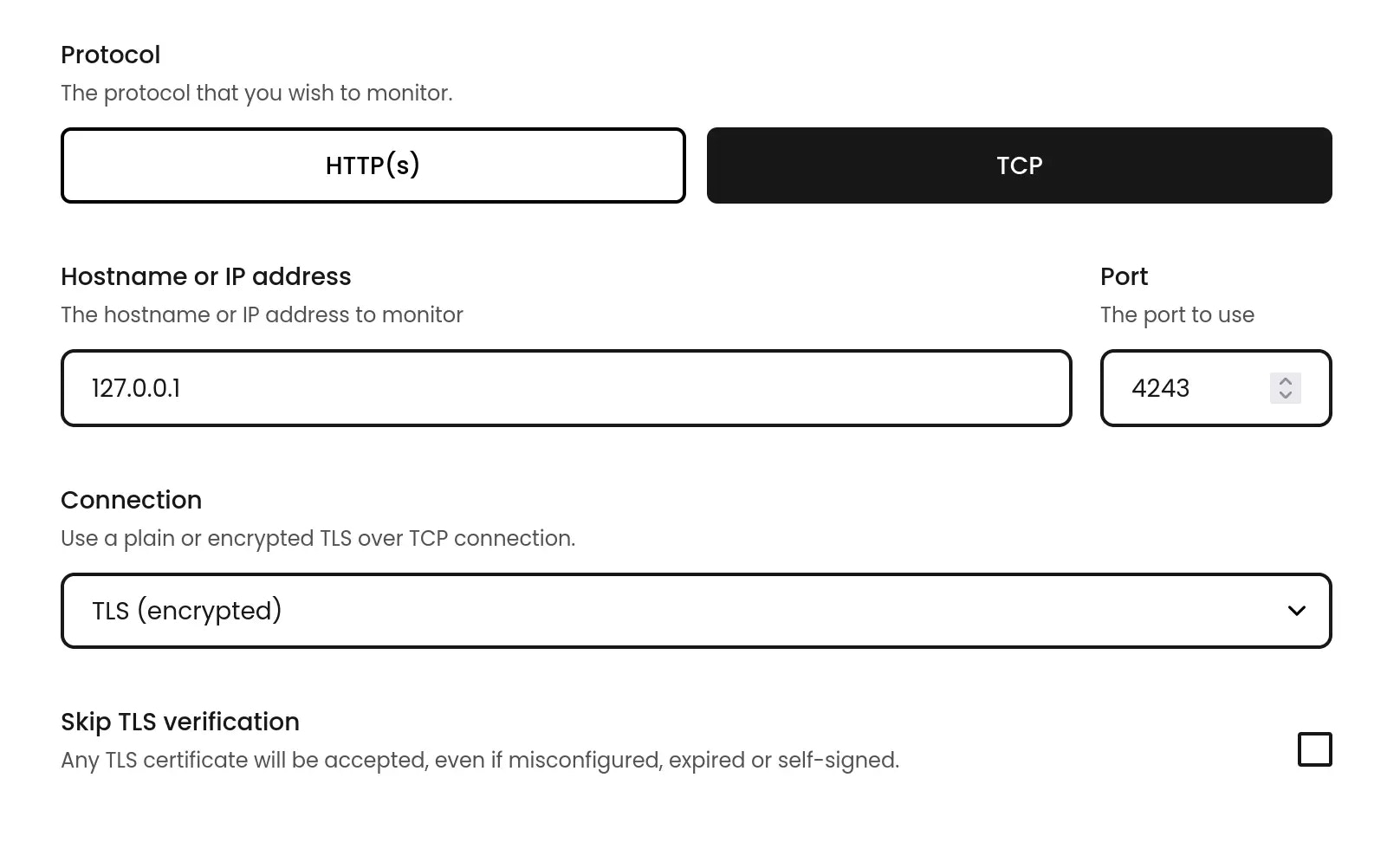 ## TLS over TCP, and new monitoring options
Monitoring secure TCP services with a TLS connection is now possible, allowing you to monitor a wider range of services. Certificates discovered during TCP monitoring are now tracked, and you can set up alert rules to be notified when they are about to expire.
All types of monitors can now skip SSL/TLS certificate validation, which is useful for testing services with self-signed certificates.
HTTP(S) monitors can now be configured to fail when facing a 3xx redirect response.
## TLS over TCP, and new monitoring options
Monitoring secure TCP services with a TLS connection is now possible, allowing you to monitor a wider range of services. Certificates discovered during TCP monitoring are now tracked, and you can set up alert rules to be notified when they are about to expire.
All types of monitors can now skip SSL/TLS certificate validation, which is useful for testing services with self-signed certificates.
HTTP(S) monitors can now be configured to fail when facing a 3xx redirect response.
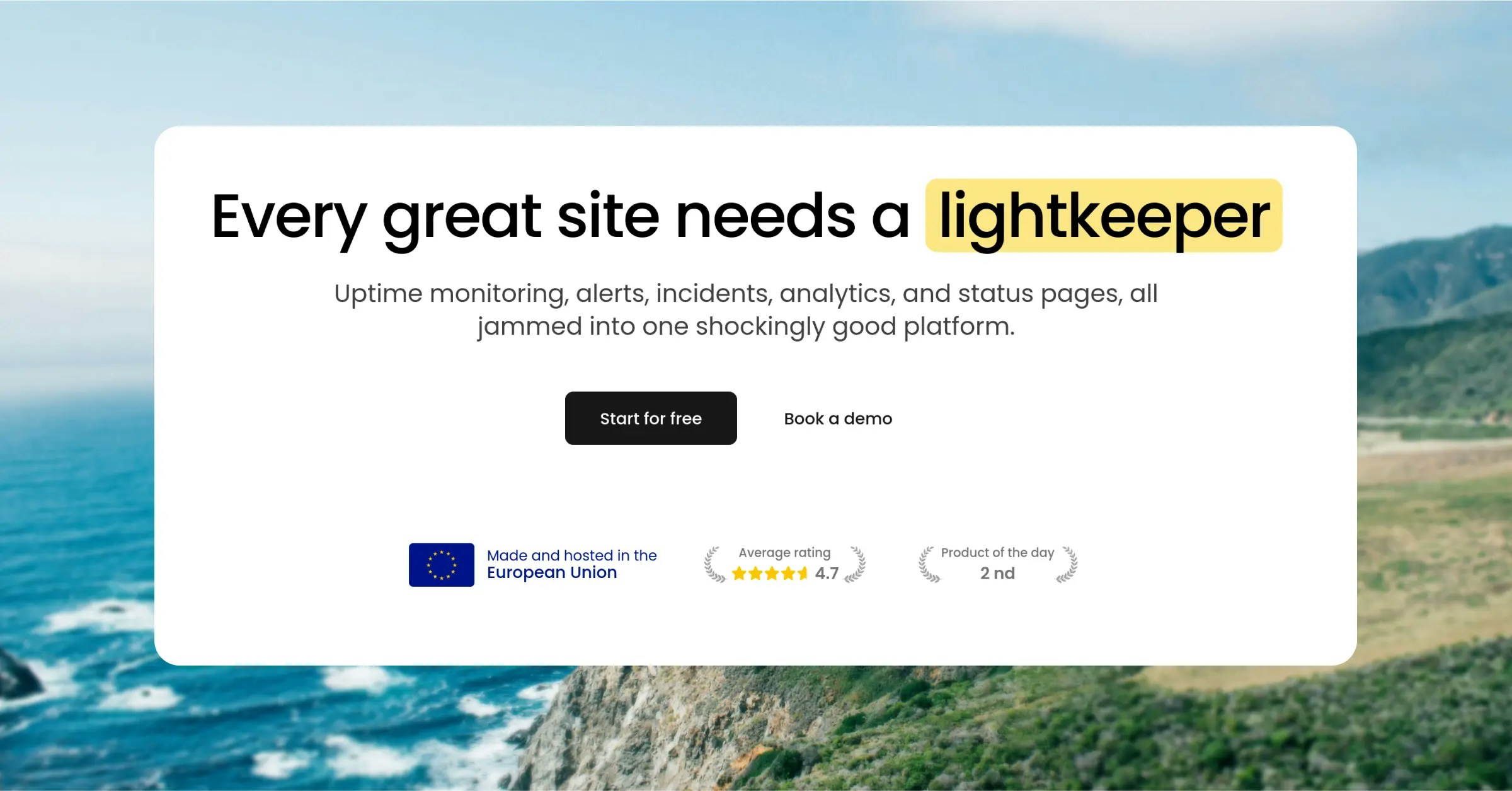 ## Refreshed design
Phare has a fresh new look. The design has been refreshed to be more modern and user-friendly, and navigation should be more intuitive.
## Refreshed design
Phare has a fresh new look. The design has been refreshed to be more modern and user-friendly, and navigation should be more intuitive.
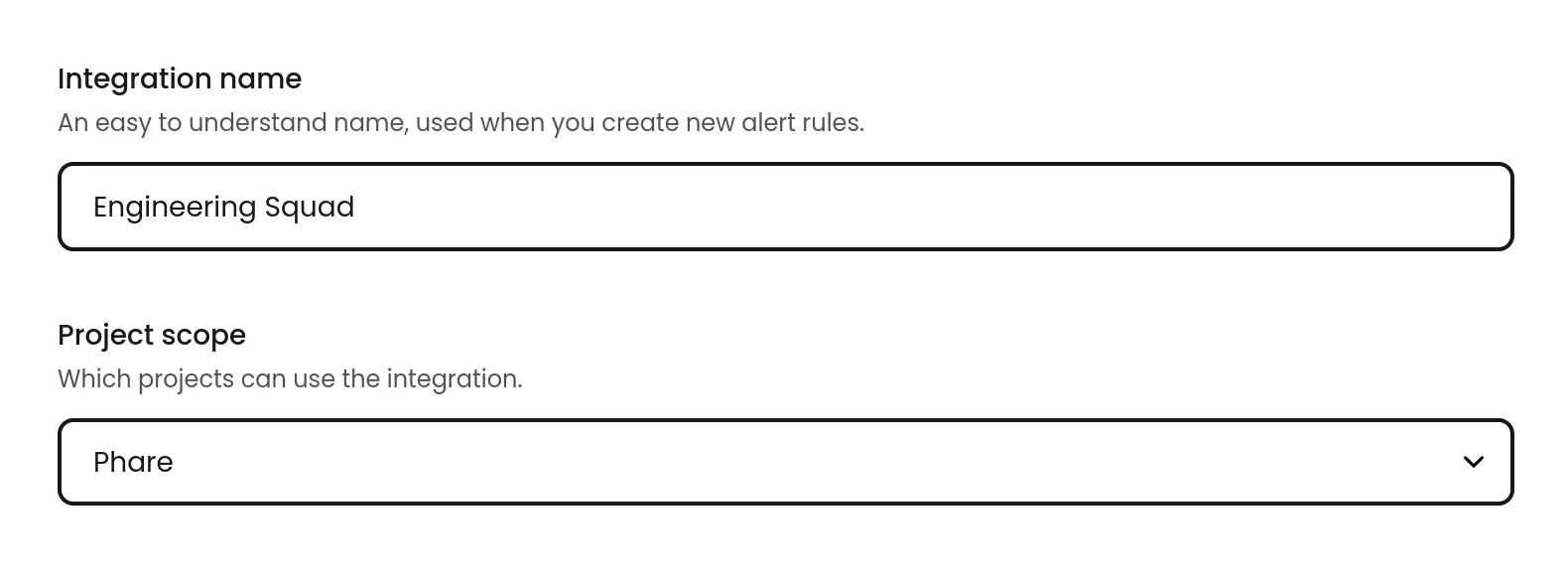 ## Integration project scope removed
It was possible to scope integrations to a specific project, which was useful for advanced use cases of large organizations. However, this feature was not widely used and made integrations needlessly complex for most users, and Phare is all about the fine line between simplicity and sophistication, so bye-bye scoped integrations.
## Integration project scope removed
It was possible to scope integrations to a specific project, which was useful for advanced use cases of large organizations. However, this feature was not widely used and made integrations needlessly complex for most users, and Phare is all about the fine line between simplicity and sophistication, so bye-bye scoped integrations.
 ## Custom HTTP headers
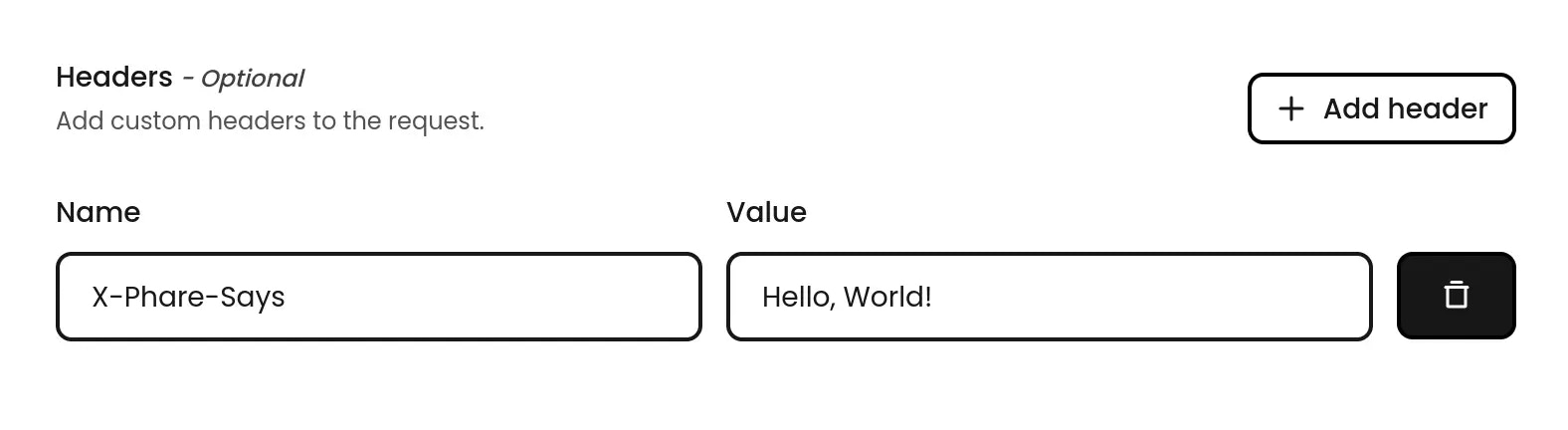
You can now add custom HTTP headers to your monitors. This is useful for passing authentication tokens, or any other headers required by your application.
## Custom HTTP headers
You can now add custom HTTP headers to your monitors. This is useful for passing authentication tokens, or any other headers required by your application.
 ## User agent secret key
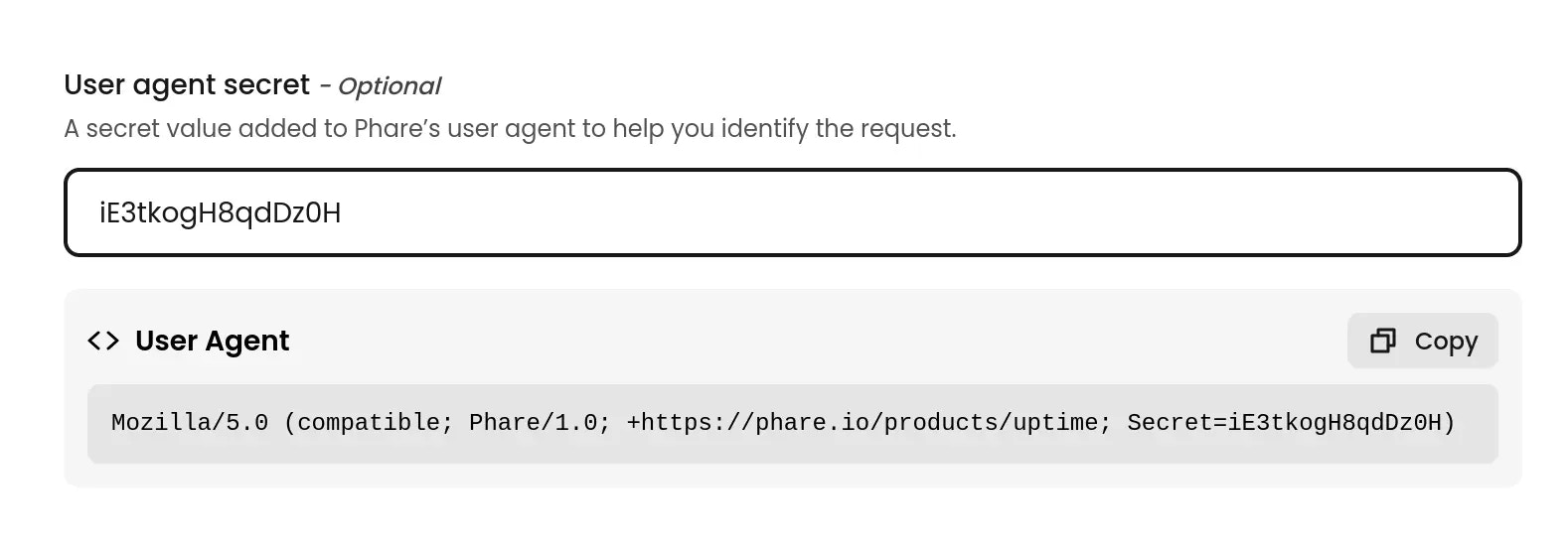
It is now possible to set a secret key of your choice to the user agent used for monitoring. This allows you to easily identify the requests made by Phare in your application logs, or filter them accurately in your firewall rules.
The chosen secret key is passed as a user agent parameter with the following format:
```text theme={null}
Mozilla/5.0 (compatible; Phare/1.0; +https://phare.io/products/uptime; Secret=your-secret-key)
```
The user agent is left unchanged if no secret key is set:
```text theme={null}
Mozilla/5.0 (compatible; Phare/1.0; +https://phare.io/products/uptime)
```
## User agent secret key
It is now possible to set a secret key of your choice to the user agent used for monitoring. This allows you to easily identify the requests made by Phare in your application logs, or filter them accurately in your firewall rules.
The chosen secret key is passed as a user agent parameter with the following format:
```text theme={null}
Mozilla/5.0 (compatible; Phare/1.0; +https://phare.io/products/uptime; Secret=your-secret-key)
```
The user agent is left unchanged if no secret key is set:
```text theme={null}
Mozilla/5.0 (compatible; Phare/1.0; +https://phare.io/products/uptime)
```
 ## New alert event: Monitor certificate expiring
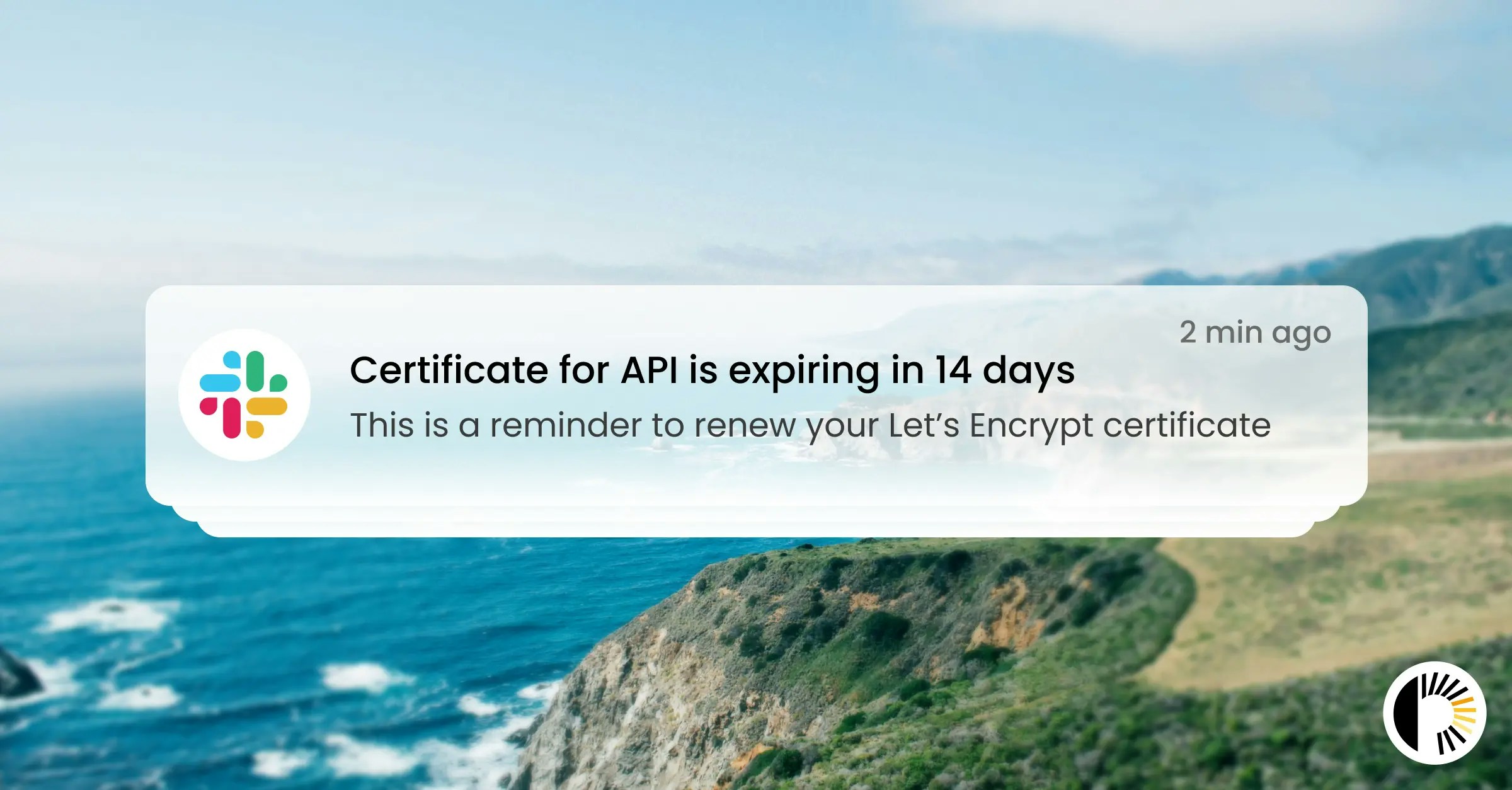
You can now create alert rules to be notified when your monitor certificates are about to expire. This new feature complements the SSL certificate tracking system introduced earlier this week, giving you proactive control over your certificate renewals.
How it works:
* Create a **Monitor Certificate Expiring** alert rule
* Select how many days in advance you want to be notified (from 1 to 60 days)
* Choose which integration to use for notifications (Email, SMS, Webhook, etc.)
* Get timely notifications so you never miss a certificate renewal again
Like other alert rules, you can scope it to a specific project or to the entire organization, and it works with all existing integrations.
## New alert event: Monitor certificate expiring
You can now create alert rules to be notified when your monitor certificates are about to expire. This new feature complements the SSL certificate tracking system introduced earlier this week, giving you proactive control over your certificate renewals.
How it works:
* Create a **Monitor Certificate Expiring** alert rule
* Select how many days in advance you want to be notified (from 1 to 60 days)
* Choose which integration to use for notifications (Email, SMS, Webhook, etc.)
* Get timely notifications so you never miss a certificate renewal again
Like other alert rules, you can scope it to a specific project or to the entire organization, and it works with all existing integrations.
 ## New alert event: Monitor certificate discovered
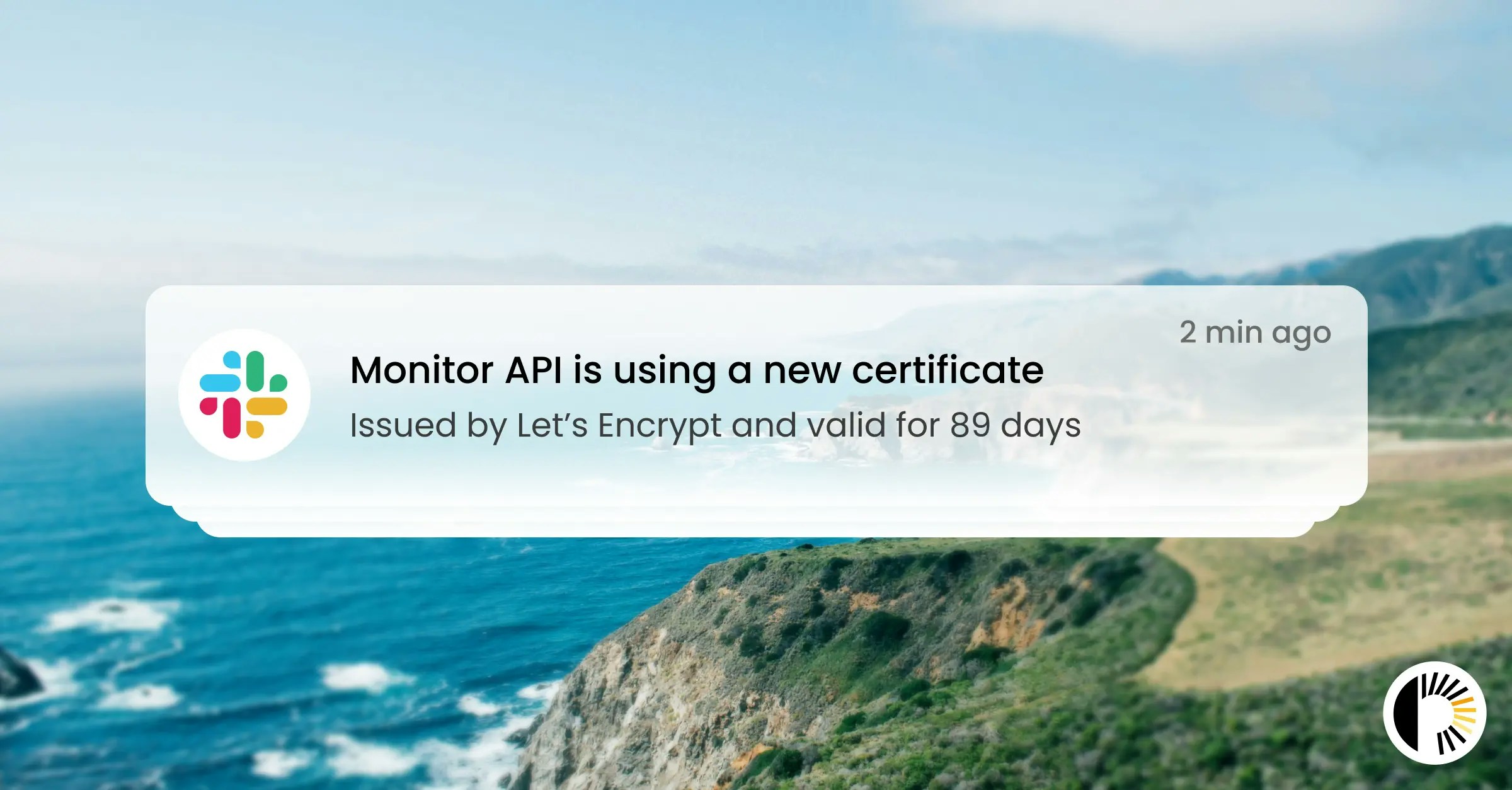
You can now create alert rules to be notified when a new certificate is discovered on any monitor. It's a great way to make sure they're getting renewed on time, or to get alerted of any unexpected changes to your monitors' SSL certificates.
## New alert event: Monitor certificate discovered
You can now create alert rules to be notified when a new certificate is discovered on any monitor. It's a great way to make sure they're getting renewed on time, or to get alerted of any unexpected changes to your monitors' SSL certificates.
 ## SSL certificate tracking
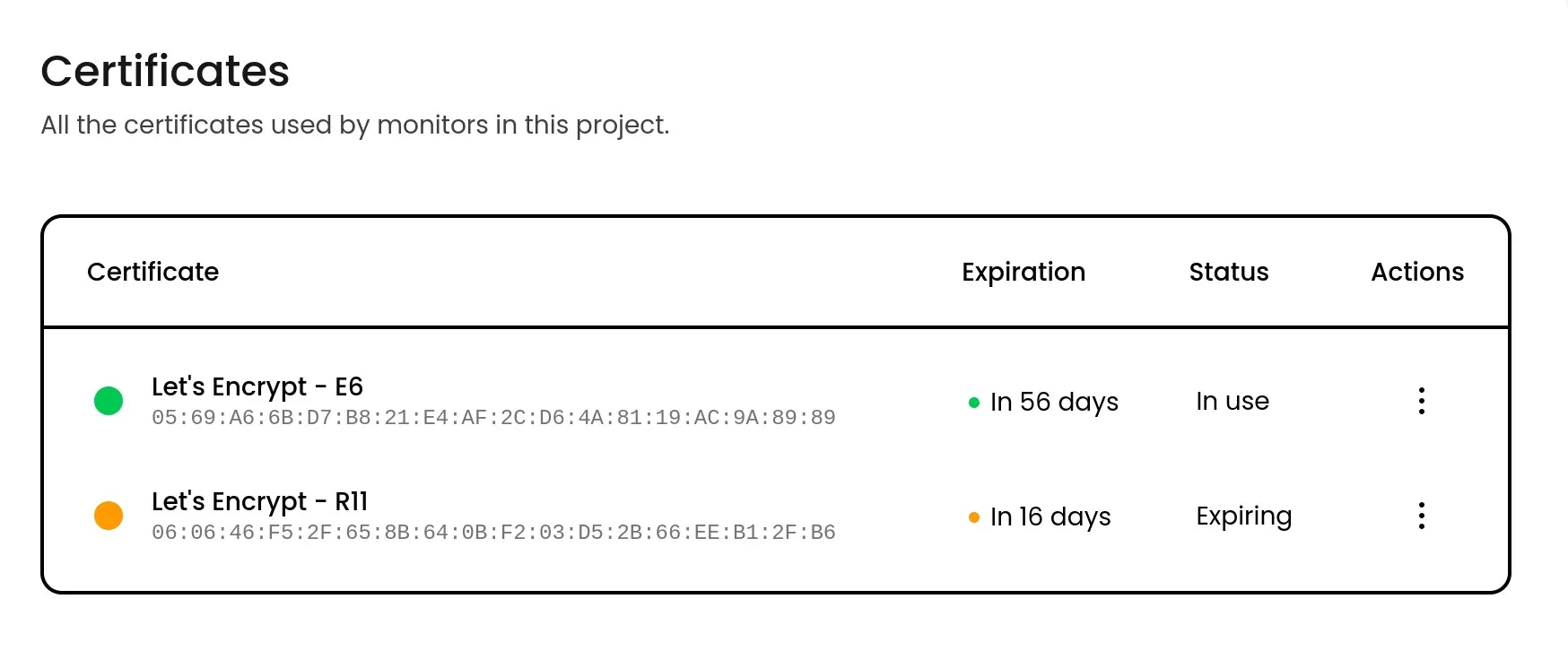
Phare now tracks SSL certificates as first-class objects, giving you visibility on all the certificates used in your projects.
How it works:
* Certificates are discovered and stored automatically when performing monitor checks
* Support for multiple certificates per domain and shared certificates across monitors
This allows you to quickly view all certificates used by a monitor, and all monitors using a certificate.
## SSL certificate tracking
Phare now tracks SSL certificates as first-class objects, giving you visibility on all the certificates used in your projects.
How it works:
* Certificates are discovered and stored automatically when performing monitor checks
* Support for multiple certificates per domain and shared certificates across monitors
This allows you to quickly view all certificates used by a monitor, and all monitors using a certificate.
 ## New scoped alert rules system
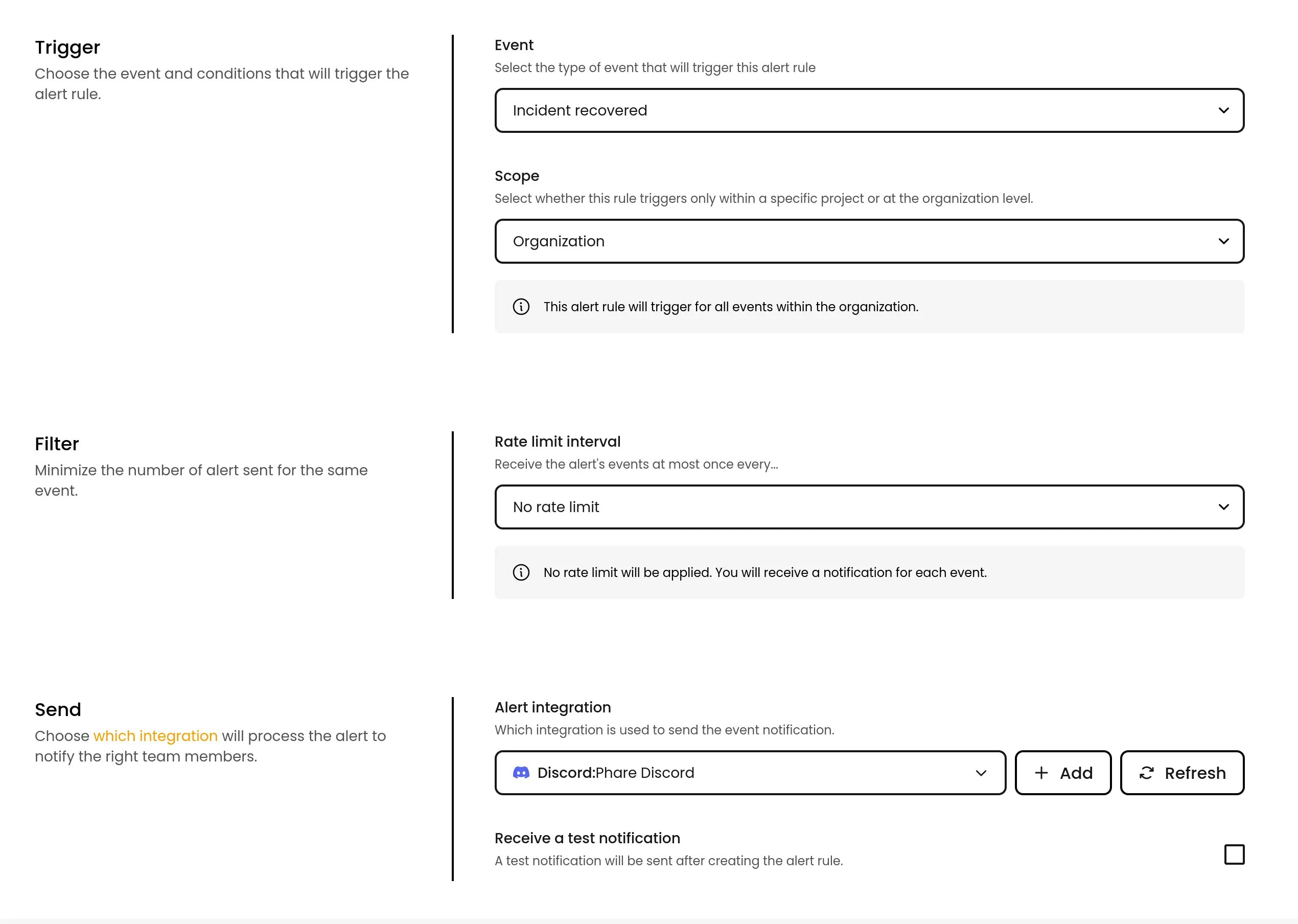
Alert policies have been replaced with a more intuitive scoped alert rules system. You can now define alert rules that apply at the organization or project level, making alerting easier to manage and more transparent.
How it works:
* Alert policies do not exist anymore
* Alert rules can be directly created
* Choose a scope for each rule: project-specific or organization-wide.
This greatly simplifies the alerting system, while keeping a good level of flexibility.
The [API endpoints for managing alert rules](/api-reference/platform/alert-rules/list-alert-rules) have also been updated to reflect this change, which should make it easier to manage your alert rules programmatically.
## New scoped alert rules system
Alert policies have been replaced with a more intuitive scoped alert rules system. You can now define alert rules that apply at the organization or project level, making alerting easier to manage and more transparent.
How it works:
* Alert policies do not exist anymore
* Alert rules can be directly created
* Choose a scope for each rule: project-specific or organization-wide.
This greatly simplifies the alerting system, while keeping a good level of flexibility.
The [API endpoints for managing alert rules](/api-reference/platform/alert-rules/list-alert-rules) have also been updated to reflect this change, which should make it easier to manage your alert rules programmatically.
 ## Enhanced messaging reliability and logging
To improve the resilience of the email notifications, a failover SMTP (Brevo) has been introduced to ensure uninterrupted delivery in case the primary SMTP (Scaleway) fails.
Real-time tracking of email delivery statuses has been implemented to allow for immediate detection of undelivered emails.
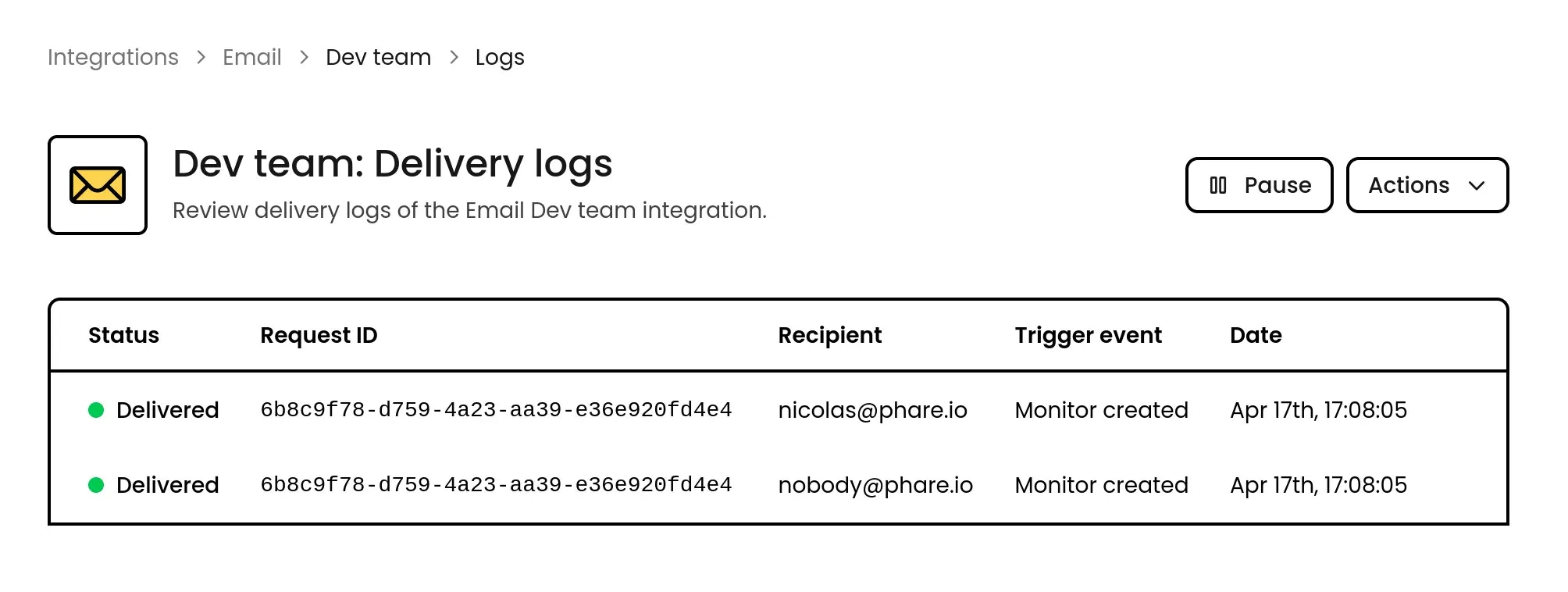
The Email, Telegram, and SMS integration have also been updated to provide per-recipient logs, giving you more details in case of delivery issues.
## Enhanced messaging reliability and logging
To improve the resilience of the email notifications, a failover SMTP (Brevo) has been introduced to ensure uninterrupted delivery in case the primary SMTP (Scaleway) fails.
Real-time tracking of email delivery statuses has been implemented to allow for immediate detection of undelivered emails.
The Email, Telegram, and SMS integration have also been updated to provide per-recipient logs, giving you more details in case of delivery issues.
 ## New monitoring regions and infrastructure overhaul
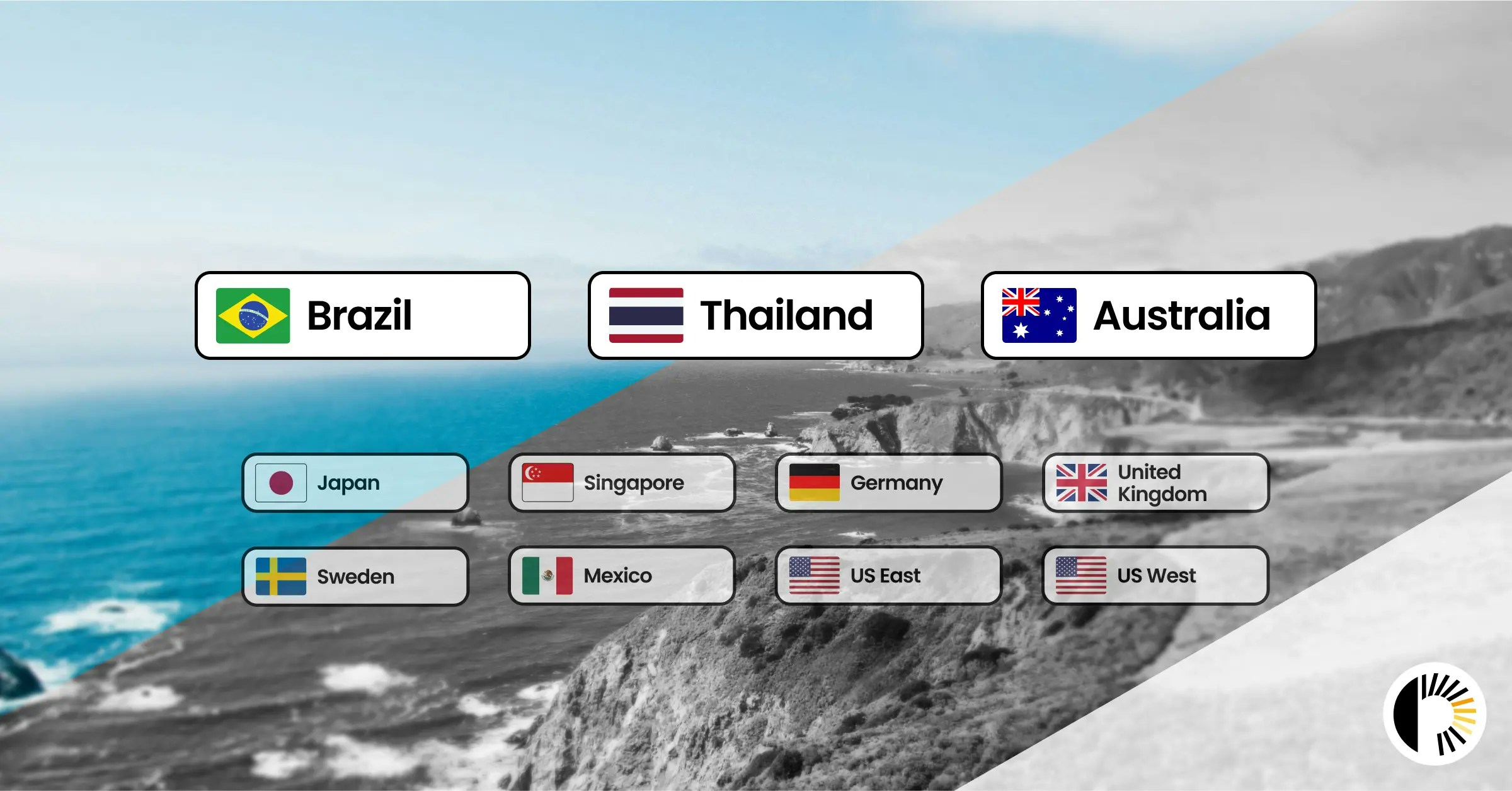
After two months of rollout and testing, Phare’s newest regions, Australia, Thailand, and Brazil, are now generally available. These regions bring faster, closer monitoring to key areas across APAC and South America.
All regions, new and existing, now run on an upgraded infrastructure. Expect lower latency, improved efficiency, and even more reliable insights, no changes needed.
A major step forward in global monitoring, now fully live!
## New monitoring regions and infrastructure overhaul
After two months of rollout and testing, Phare’s newest regions, Australia, Thailand, and Brazil, are now generally available. These regions bring faster, closer monitoring to key areas across APAC and South America.
All regions, new and existing, now run on an upgraded infrastructure. Expect lower latency, improved efficiency, and even more reliable insights, no changes needed.
A major step forward in global monitoring, now fully live!
## New Scale plan price
After nearly a year of intense optimization and some seriously messy spreadsheet formulas, it's finally done: the Phare Scale plan is now just 5€, down from 49€.
That’s 90% off! And it’s not just about slashing prices, it’s about making powerful, high-quality tools accessible to everyone, without locking features behind expensive enterprise plans.
The pricing page has been [updated to reflect this change and clarify things](https://phare.io/pricing).
Now’s the perfect time to hop on board. Don’t miss out.
 ## Discord community
Phare now has a Discord community, because sometimes you just want to drop a quick message, rant about a bug, or throw out a wild feature idea explained in a meme.
Join to chat about Phare, share feedback, report issues, or just see what’s brewing. It's also the best place to talk to the guy who writes the code and tease him about adding a dark mode (please don’t).
Jump in, say hi, and have fun: [https://phare.io/discord](https://phare.io/discord)
## Discord community
Phare now has a Discord community, because sometimes you just want to drop a quick message, rant about a bug, or throw out a wild feature idea explained in a meme.
Join to chat about Phare, share feedback, report issues, or just see what’s brewing. It's also the best place to talk to the guy who writes the code and tease him about adding a dark mode (please don’t).
Jump in, say hi, and have fun: [https://phare.io/discord](https://phare.io/discord)
 ## Preview regions
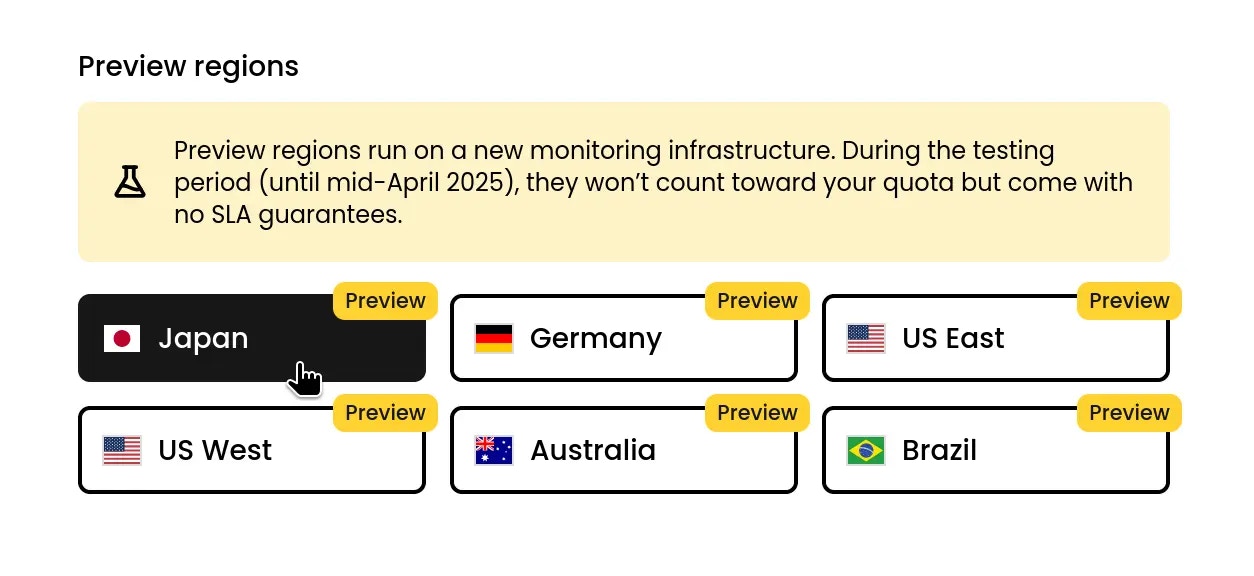
Six new regions are available in preview to test Phare's brand-new monitoring infrastructure. They’re free to use for the next two months but come with no guarantees yet.
Choose from US West / East 🇺🇸, Japan 🇯🇵, Germany 🇩🇪, or one of the new regions, Australia 🇦🇺 and Brazil 🇧🇷. Or try all of them to help test the new infrastructure at scale.
## Preview regions
Six new regions are available in preview to test Phare's brand-new monitoring infrastructure. They’re free to use for the next two months but come with no guarantees yet.
Choose from US West / East 🇺🇸, Japan 🇯🇵, Germany 🇩🇪, or one of the new regions, Australia 🇦🇺 and Brazil 🇧🇷. Or try all of them to help test the new infrastructure at scale.
 ## Telegram integration
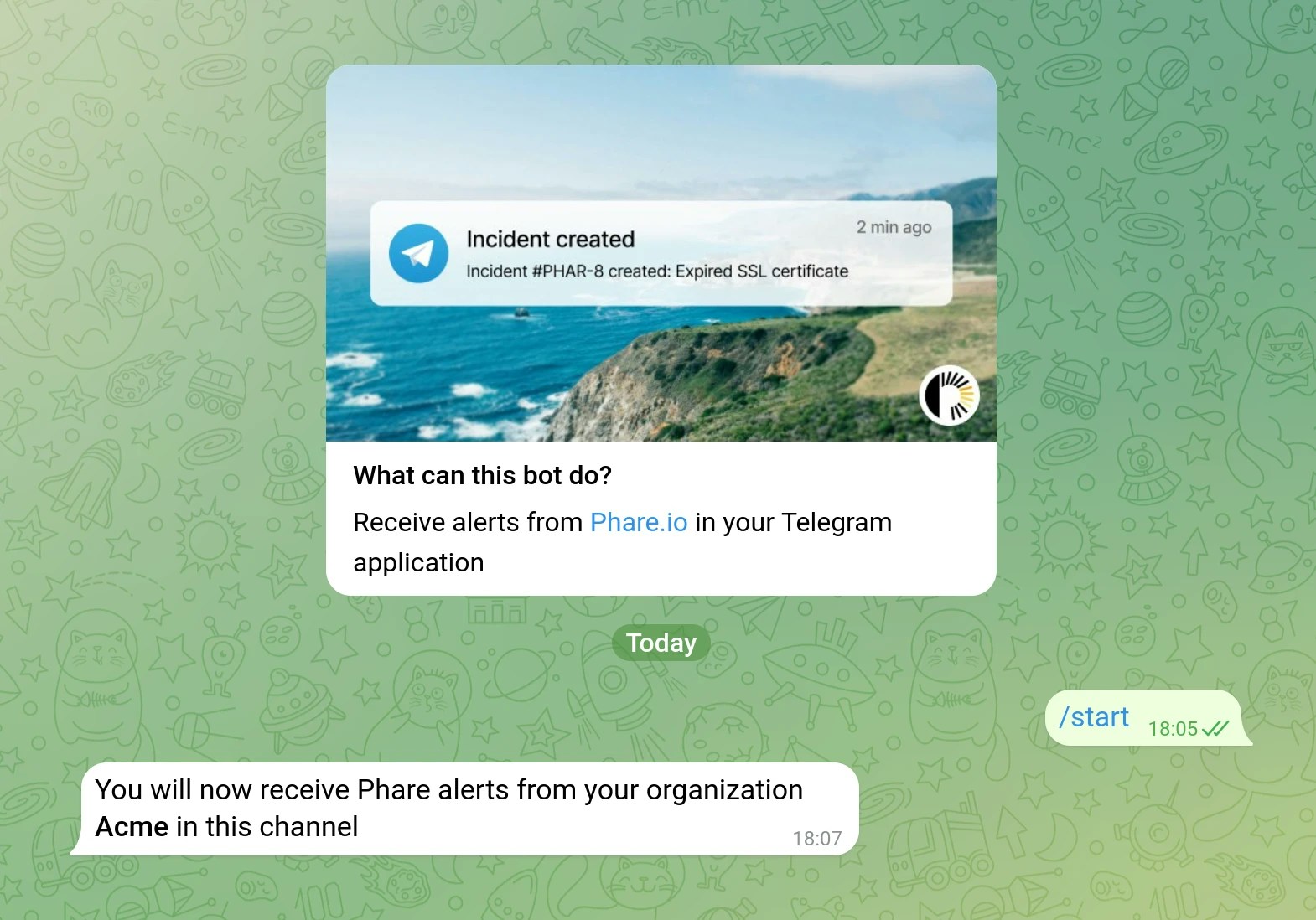
A new integration with Telegram is now available to send notifications to your Telegram application. The integration supports sending messages to a group or a private chat, and can be used with all existing alert events.
Read the [Telegram integration documentation](/integrations/telegram) to get started.
## Telegram integration
A new integration with Telegram is now available to send notifications to your Telegram application. The integration supports sending messages to a group or a private chat, and can be used with all existing alert events.
Read the [Telegram integration documentation](/integrations/telegram) to get started.
## Telegram integration
A new integration with Telegram is now available to send notifications to your Telegram application. The integration supports sending messages to a group or a private chat, and can be used with all existing alert events.
Read the [Telegram integration documentation](/integrations/telegram) to get started.
## Telegram integration
A new integration with Telegram is now available to send notifications to your Telegram application. The integration supports sending messages to a group or a private chat, and can be used with all existing alert events.
Read the [Telegram integration documentation](/integrations/telegram) to get started.
 ## Improved integration reliability
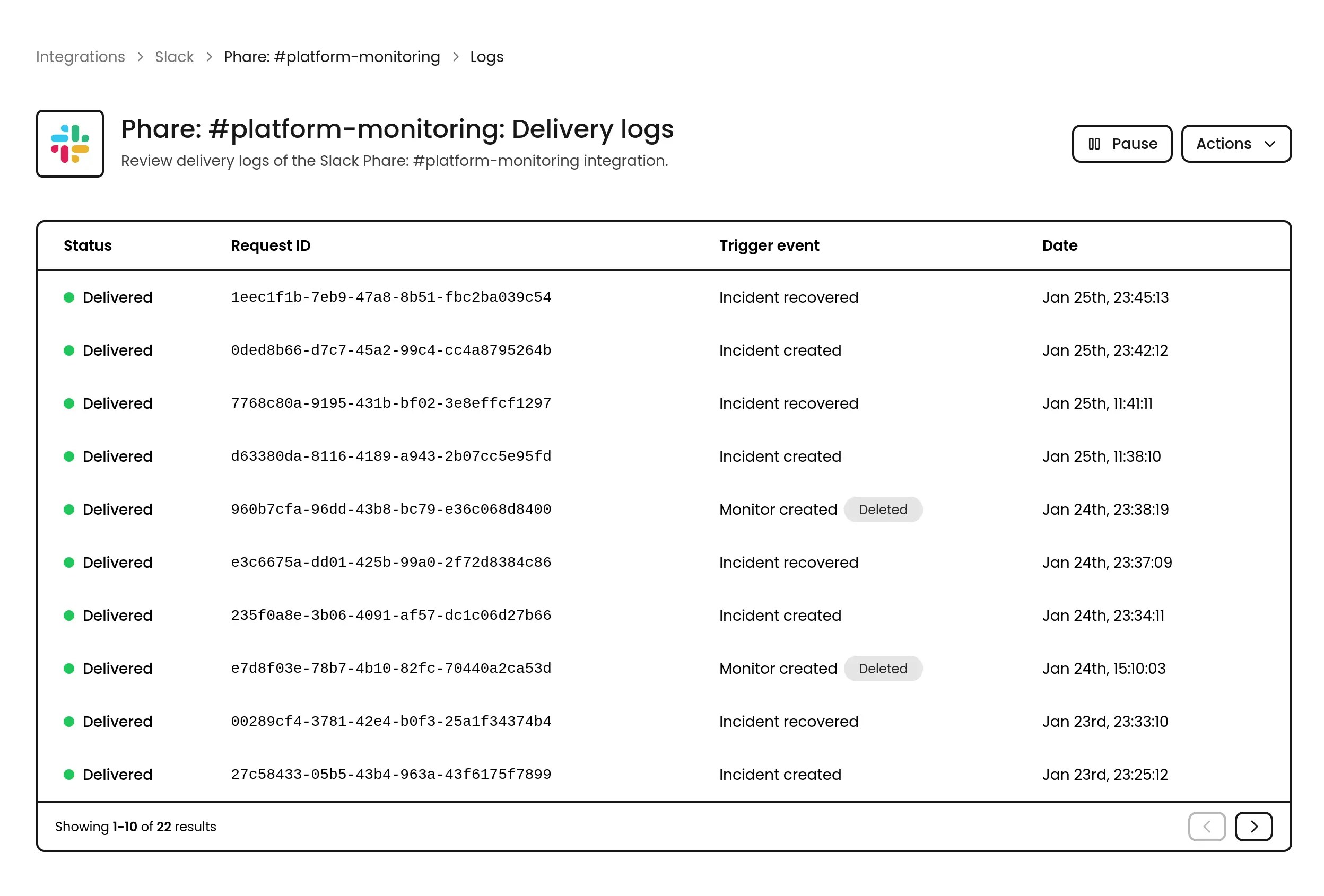
A lot of work has been done to improve the reliability of all integrations with third-party services, including a new delivery and error logs page, failure notifications, and automatic pause for failing integrations.
### Delivery and error logs
All integrations now provide a detailed logs page to help you diagnose and fix issues.
### Failure notifications
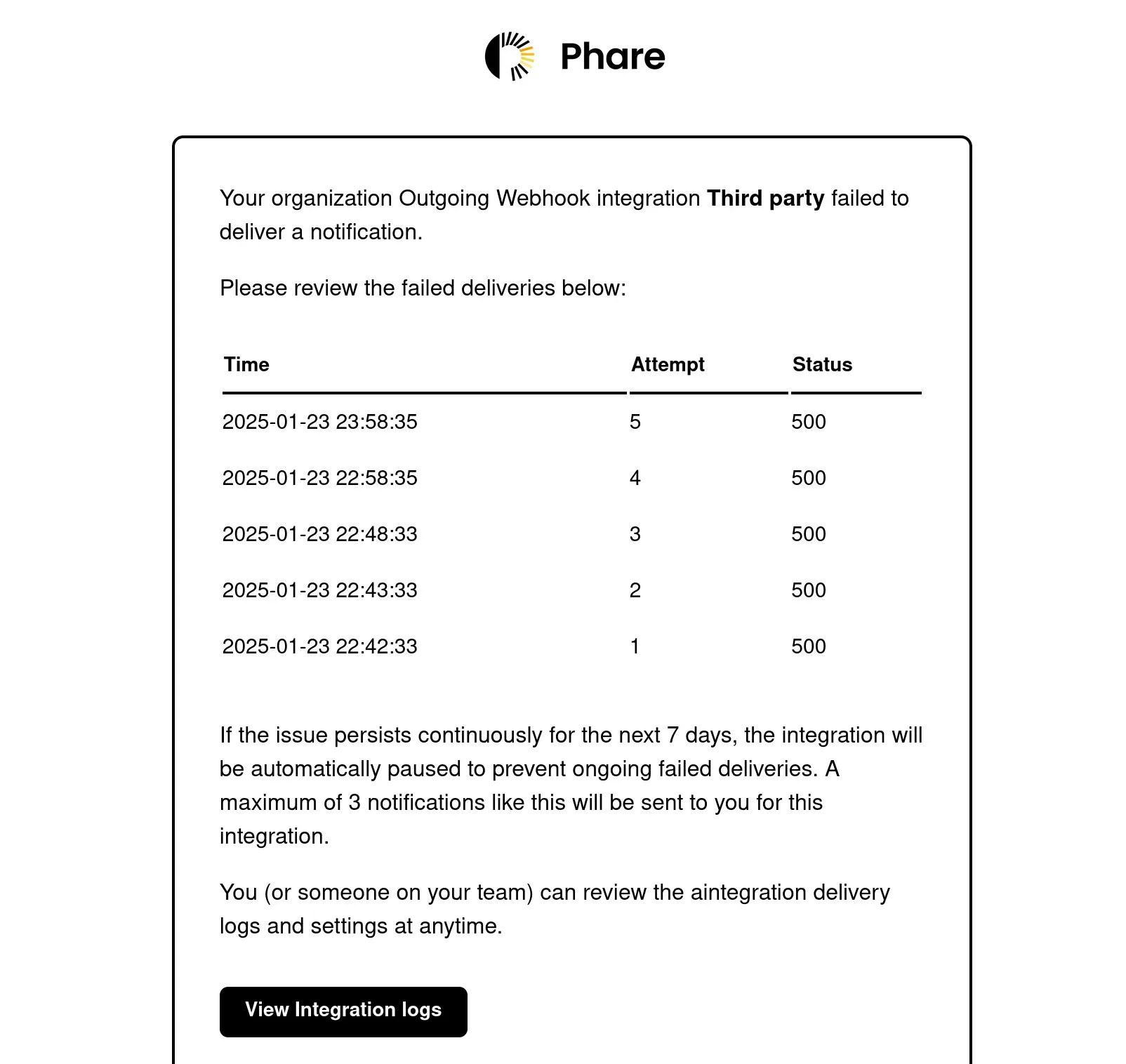
All integrations now notify the organization owner when an issue occurs. For the SMS, Email, and Webhook integrations, a detailed list of failed numbers, addresses, or requests is provided to help you identify the issue.
The failure notification for the Outgoing Webhook integration is only sent if all delivery attempts have failed, which means the organization owner will be notified [1 hour and 18 minutes](https://docs.phare.io/integrations/outgoing-webhook#retry-policy) after the event creation.
## Improved integration reliability
A lot of work has been done to improve the reliability of all integrations with third-party services, including a new delivery and error logs page, failure notifications, and automatic pause for failing integrations.
### Delivery and error logs
All integrations now provide a detailed logs page to help you diagnose and fix issues.
### Failure notifications
All integrations now notify the organization owner when an issue occurs. For the SMS, Email, and Webhook integrations, a detailed list of failed numbers, addresses, or requests is provided to help you identify the issue.
The failure notification for the Outgoing Webhook integration is only sent if all delivery attempts have failed, which means the organization owner will be notified [1 hour and 18 minutes](https://docs.phare.io/integrations/outgoing-webhook#retry-policy) after the event creation.
 ### Automatic pause
Integrations that have been failing more than three consecutive times in a 7-day rolling window will be automatically paused. A notification will be sent to the organization owner when this happens.
### Automatic pause
Integrations that have been failing more than three consecutive times in a 7-day rolling window will be automatically paused. A notification will be sent to the organization owner when this happens.
## Data retention change
To improve the performance of the platform and reduce unnecessary data retention, a few rules are now enforced for organizations on the **Hobby** plan:
Organizations must have at least one active member in the past 6 months to keep their account active. Two reminder emails will be sent to the organization owner before the account is deactivated. The first reminder is sent 14 days before the account deactivation, and the second reminder is sent 3 days before the account deactivation.
Monitors that have been failing uninterrupted for more than 48h will be automatically paused. A notification will be sent to the organization owner when a monitor is paused.
These rules are only enforced for organizations on the **Hobby** plan, and are necessary to keep this plan free and sustainable for everyone.
 ## Custom error pages for status pages
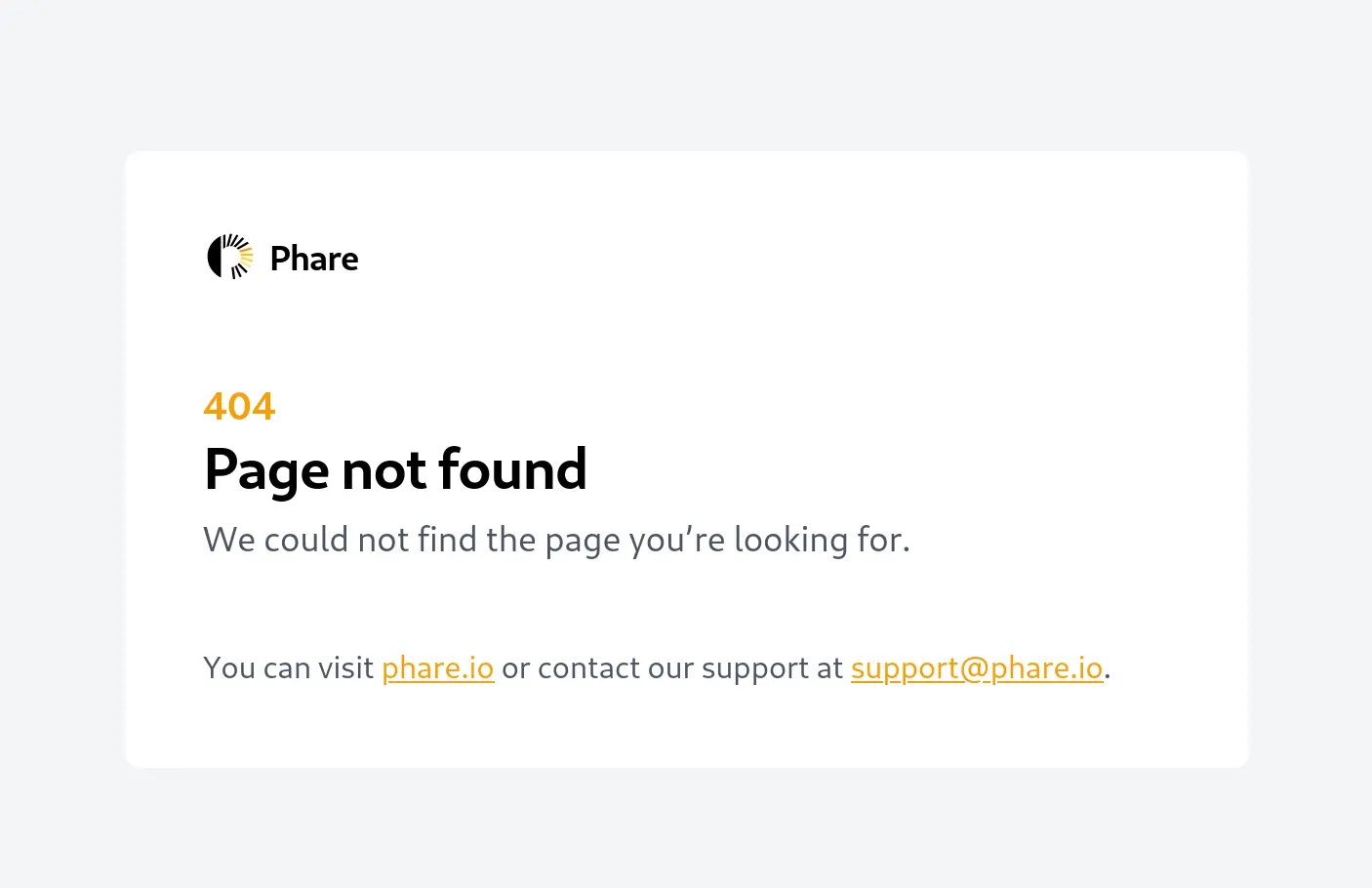
When visiting a status page with an error (404, 500, etc.), a custom error page is now displayed to provide a better user experience, instead of redirecting users to a phare.io error page.
## Custom error pages for status pages
When visiting a status page with an error (404, 500, etc.), a custom error page is now displayed to provide a better user experience, instead of redirecting users to a phare.io error page.
 ## Account security improvements
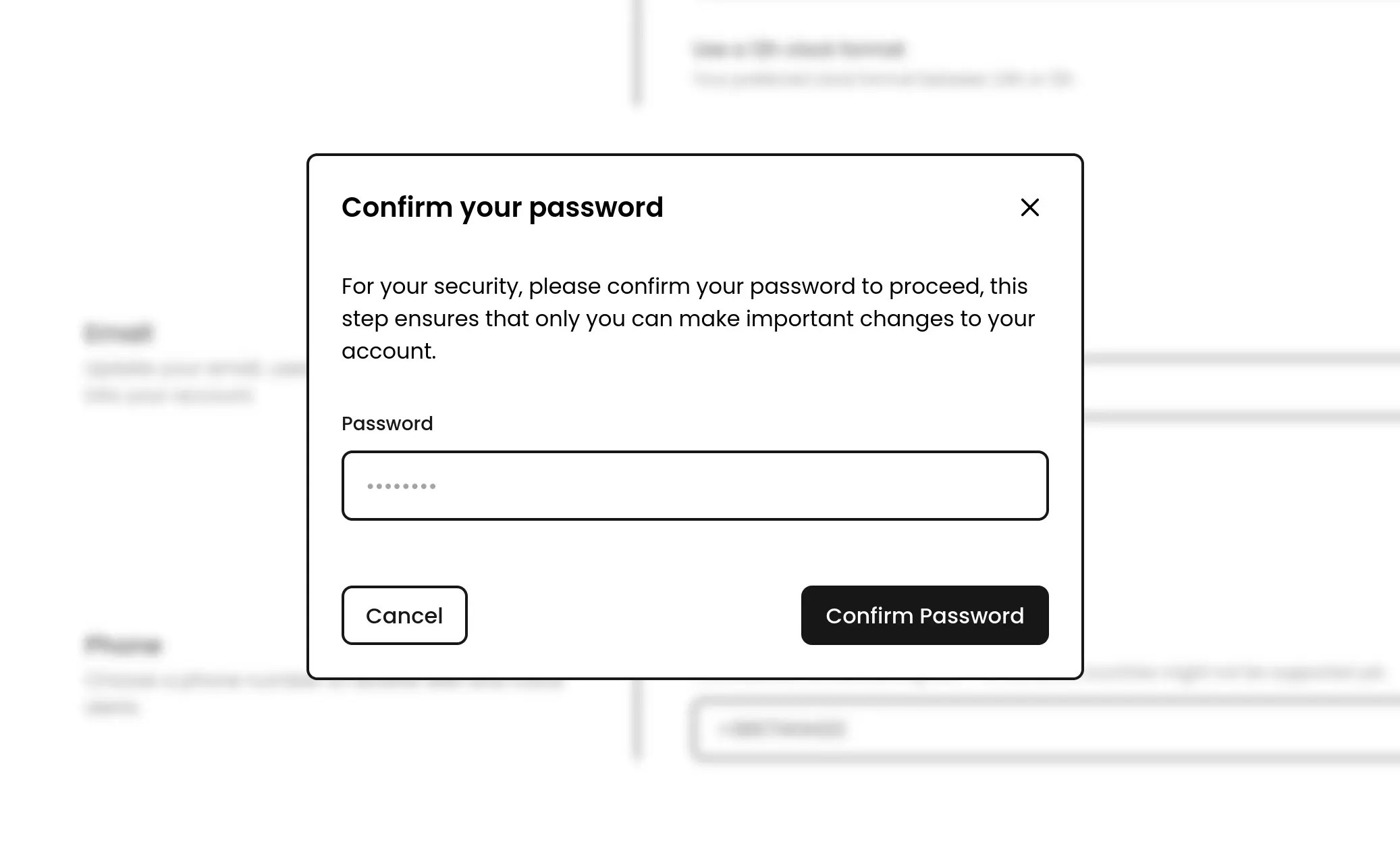
The security of your user account has been improved with the addition of a password confirmation step when updating your email address or deactivating two-factor authentication. This step ensures that you are the owner of the account and that no one else can make changes without your consent. The two-factor authentication activation flow has also been improved with the possibility to manually set up your authenticator app without having to scan a QR code.
## Account security improvements
The security of your user account has been improved with the addition of a password confirmation step when updating your email address or deactivating two-factor authentication. This step ensures that you are the owner of the account and that no one else can make changes without your consent. The two-factor authentication activation flow has also been improved with the possibility to manually set up your authenticator app without having to scan a QR code.
 ## Embed status badge customization
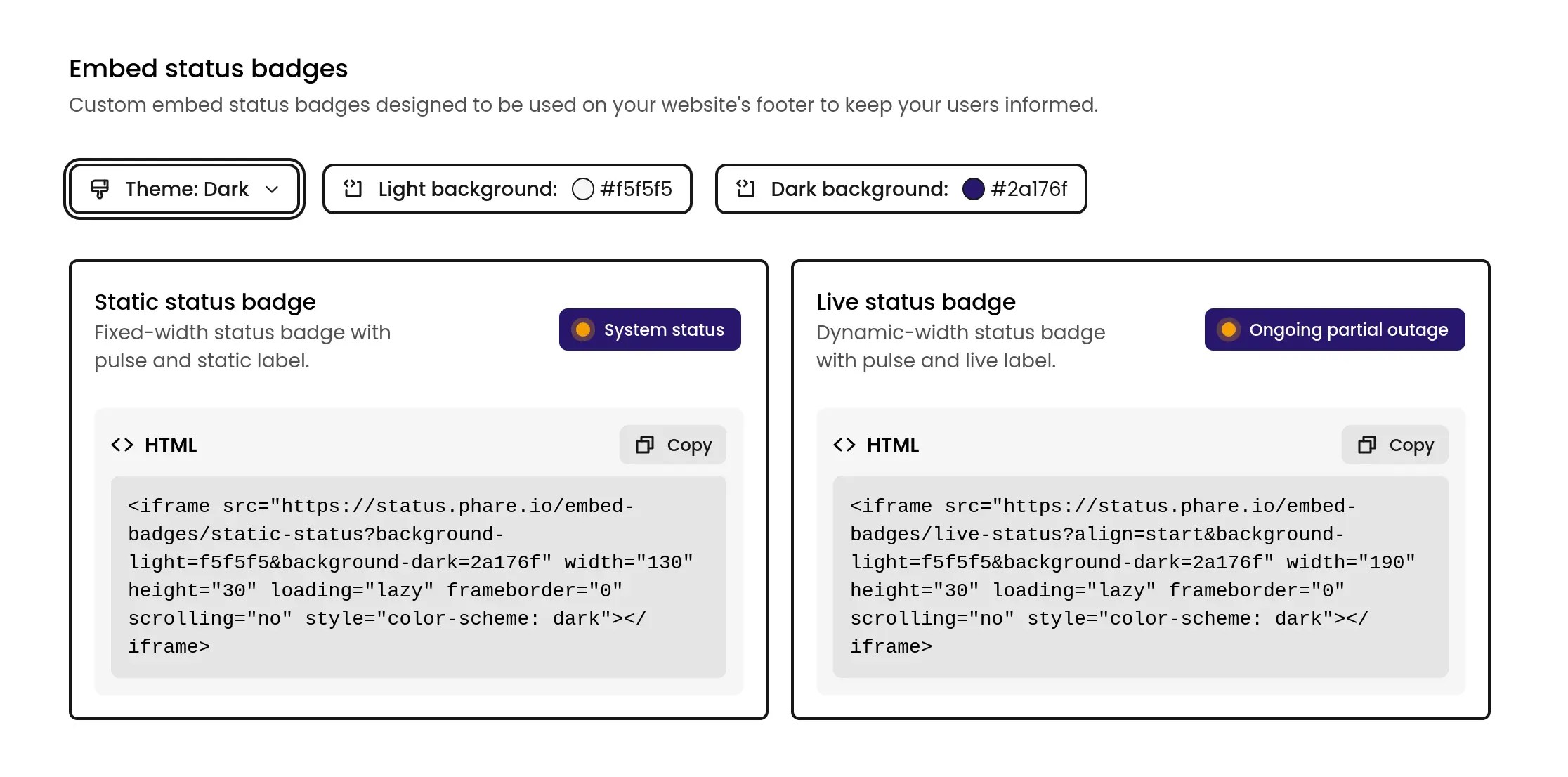
Embed status badges can now be customized with a custom background color to match your website's design. A theme selector is available to choose between light and dark mode, and a color picker to select the background color for each theme.
## Embed status badge customization
Embed status badges can now be customized with a custom background color to match your website's design. A theme selector is available to choose between light and dark mode, and a color picker to select the background color for each theme.
## Embed status badges
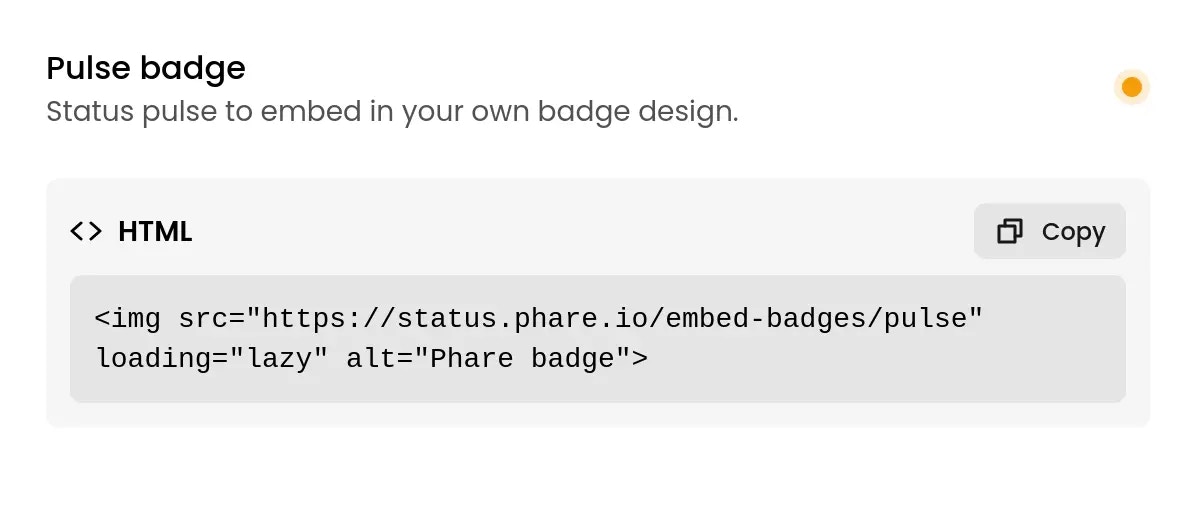
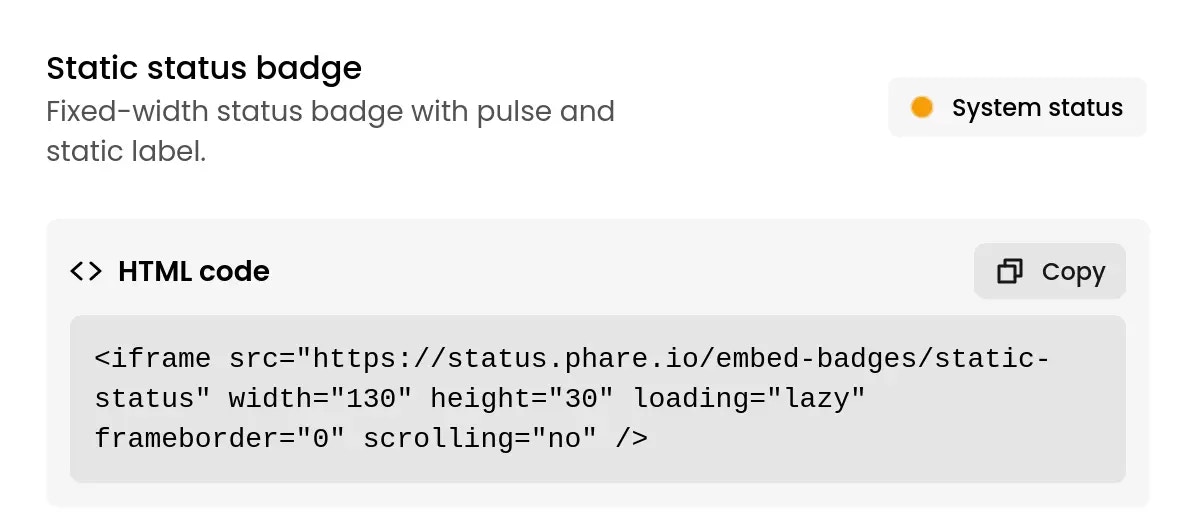
Three embeddable status badges are now available to display your status page's current status on your website. The badges do not load any third-party scripts, are free from cookies, and adapt to your website dark and light modes.
#### Pulse badge
The pulse badge only displays the current status of your status page without any additional information, making it perfect to build your own components around it.
 #### Static badge
The static badge displays the current status of your status page with a pulse and a static label.
#### Static badge
The static badge displays the current status of your status page with a pulse and a static label.
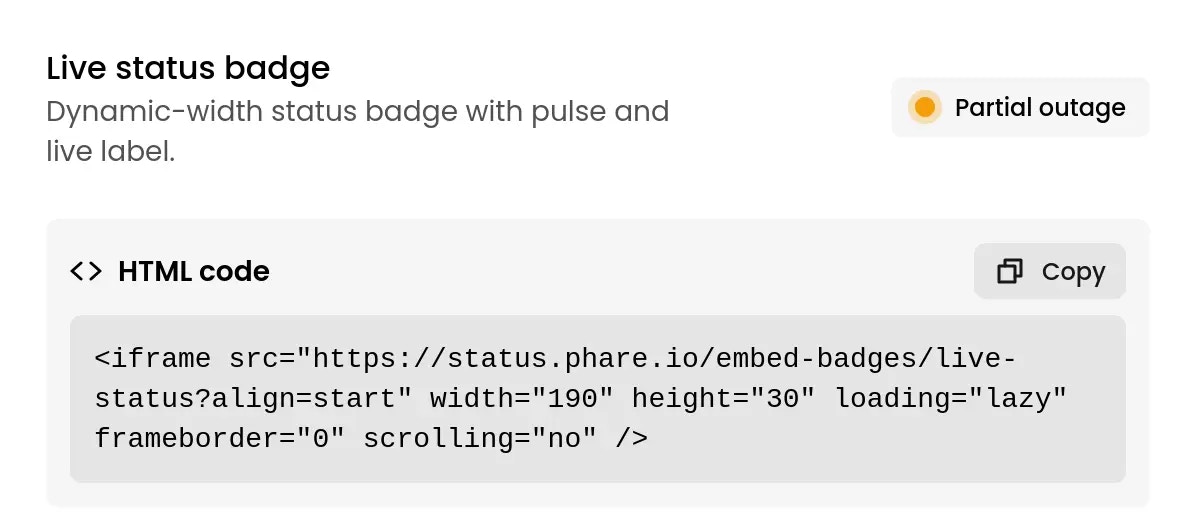
 #### Live badge
The live badge displays the current status of your status page with a pulse and a live label.
#### Live badge
The live badge displays the current status of your status page with a pulse and a live label.