Need proper on-call management for your monitoring alerts? The ilert integration makes sure the right people get notified when things go wrong, with automatic escalation and resolution when your services bounce back. Set it up in your integrations dashboard.
Pre-requisites
Before you can start routing alerts to ilert, you’ll need an active ilert account with permissions to create alert sources. That’s it!
ilert Setup
First stop: your ilert dashboard. You’ll need to create an alert source to catch those Phare alerts.
- Head to Alert sources in ilert
- Click Create new alert source
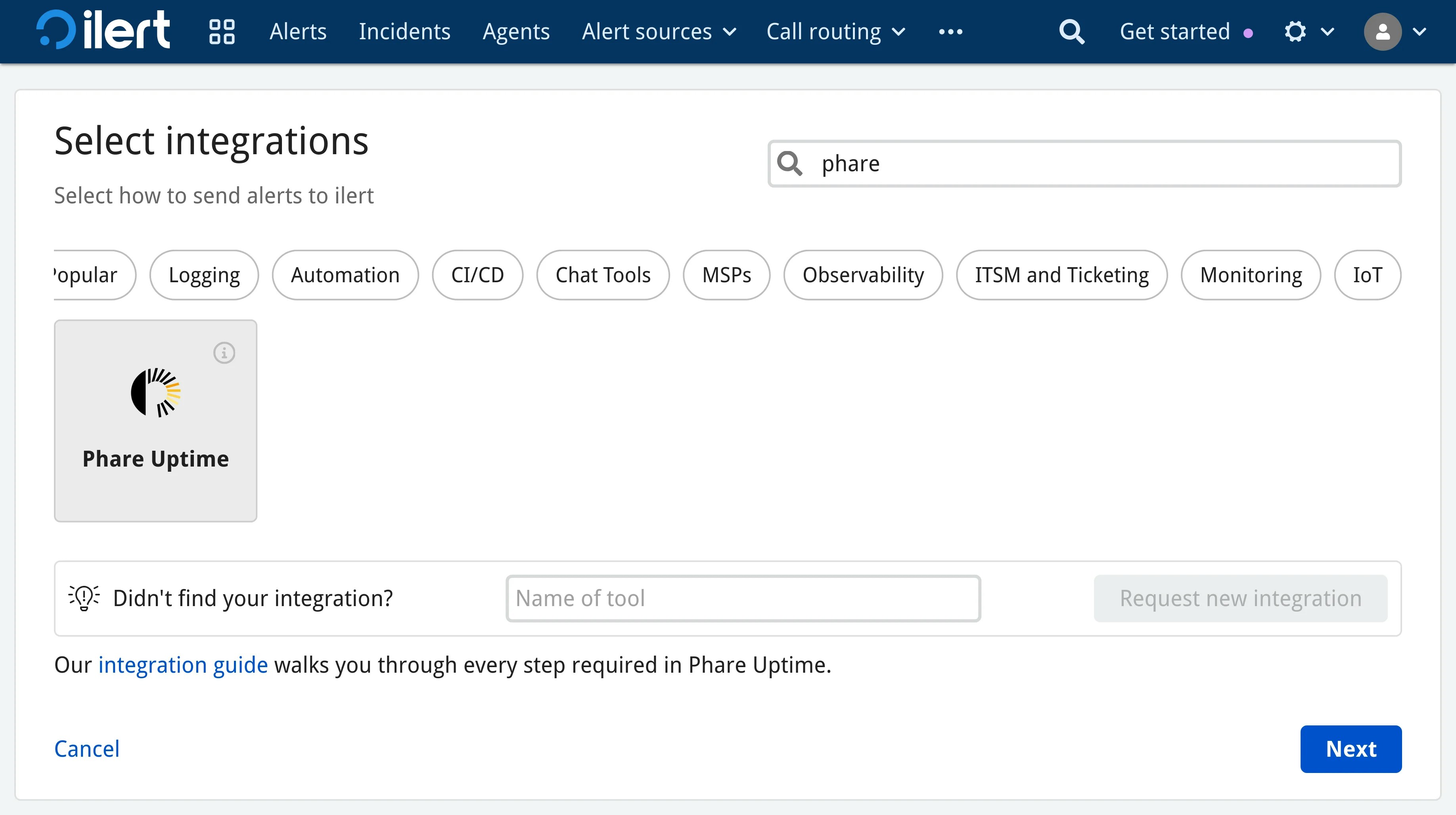
- Search for “Phare.io”, click the Phare.io tile and hit Next
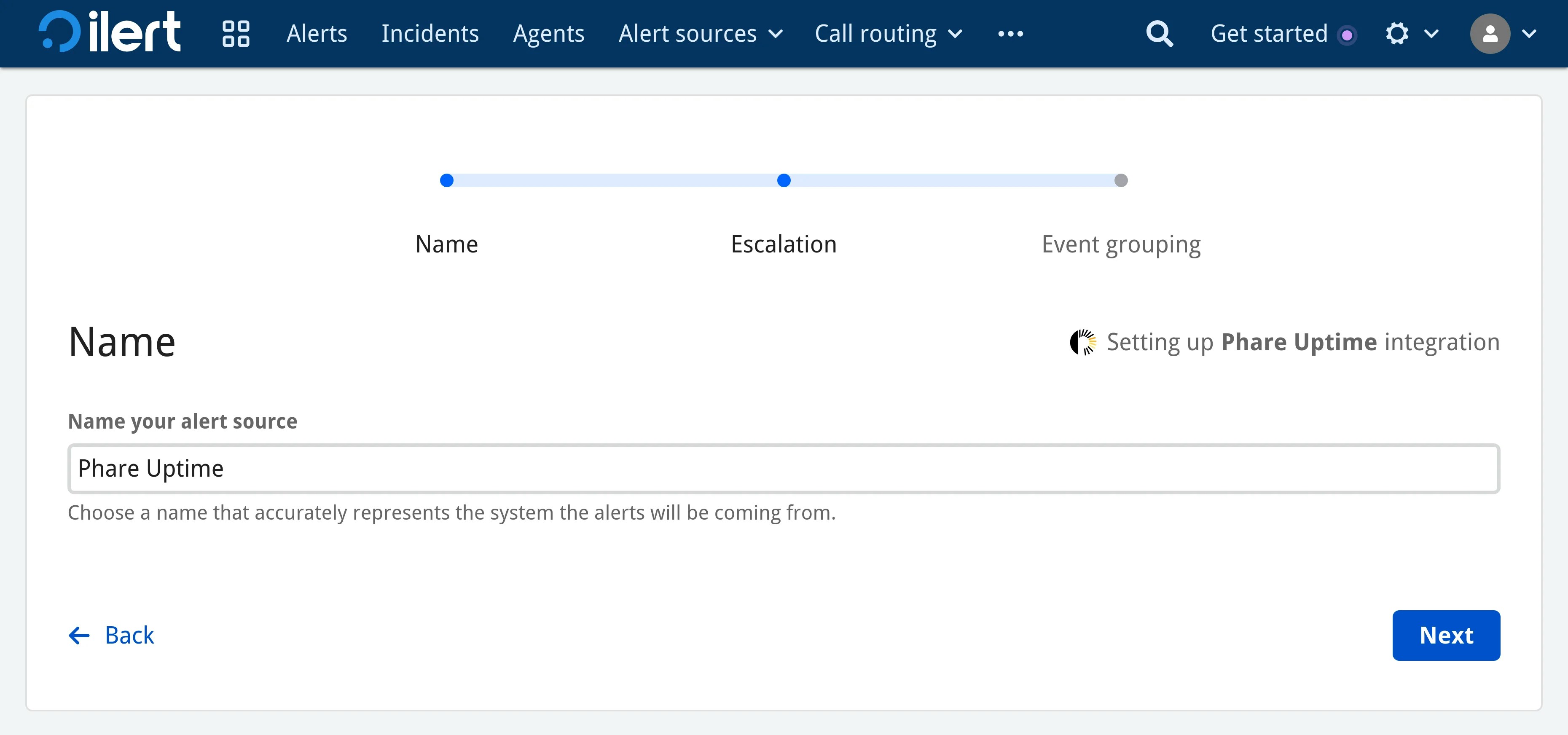
- Give a name to your alert source and configure it as you wish
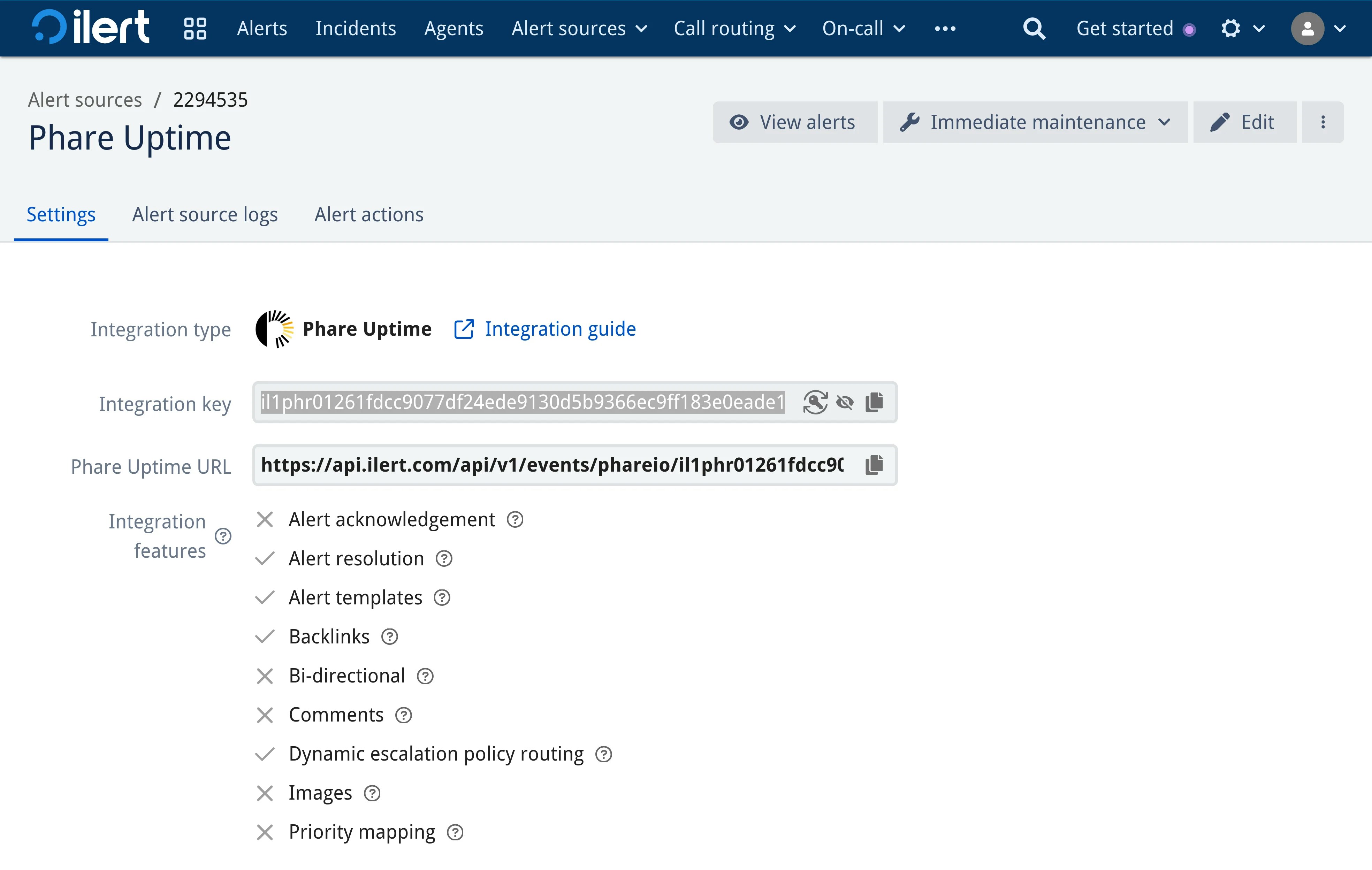
- Once configured, you will receive an integration key for the alert source
That’s it for the ilert side of things. Copy the integration key somewhere safe, then follow the next steps to forward Phare alerts to the newly created ilert alert source.
Phare Setup
- Navigate to your integrations dashboard
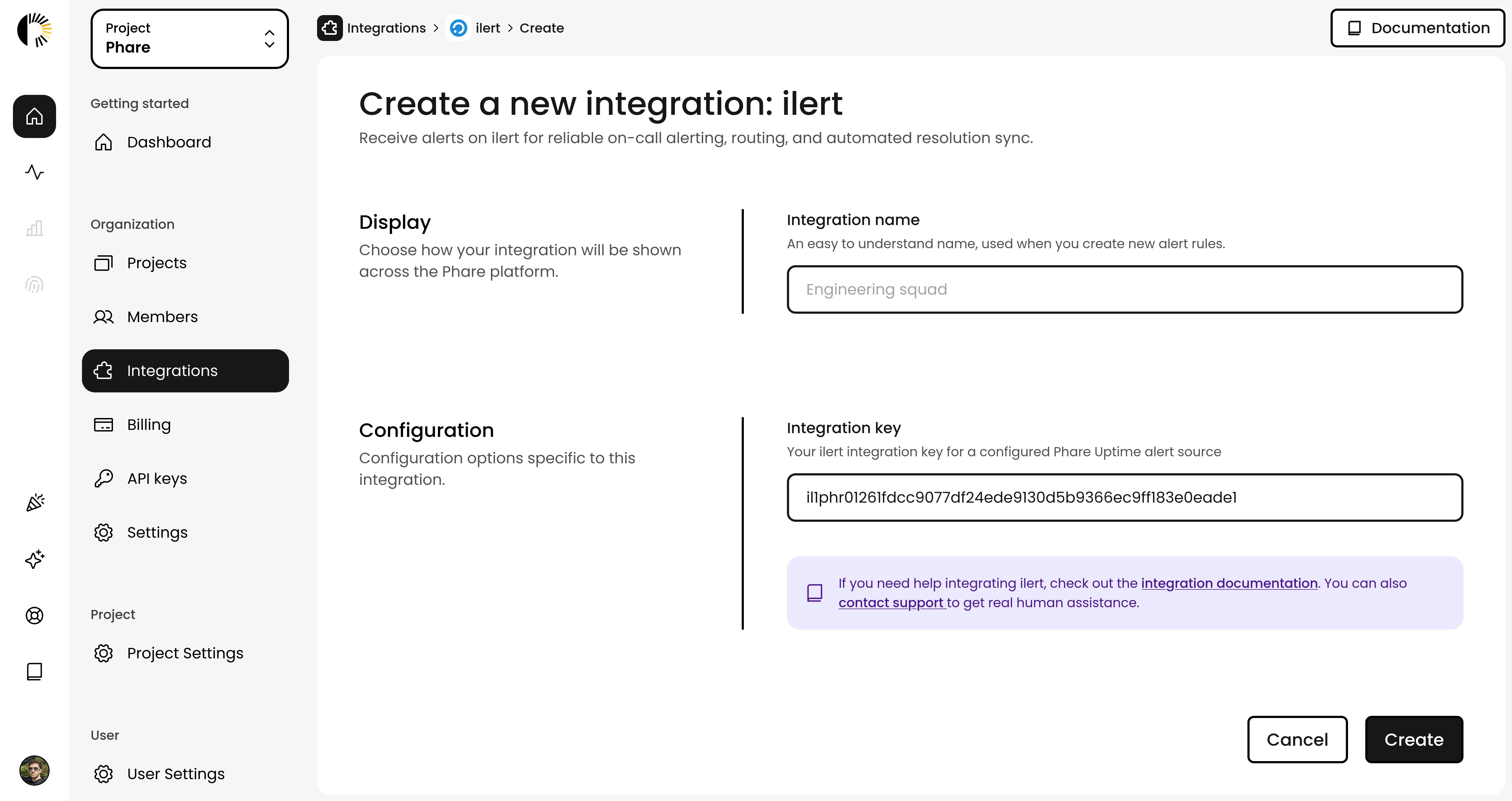
- Find ilert and click New installation
- Configure the ilert integration with a name and your integration key from the previous step
- Click Create to save your integration
Your ilert integration is ready to be used. You can now create alert rules to send data to ilert.
Alert Rules
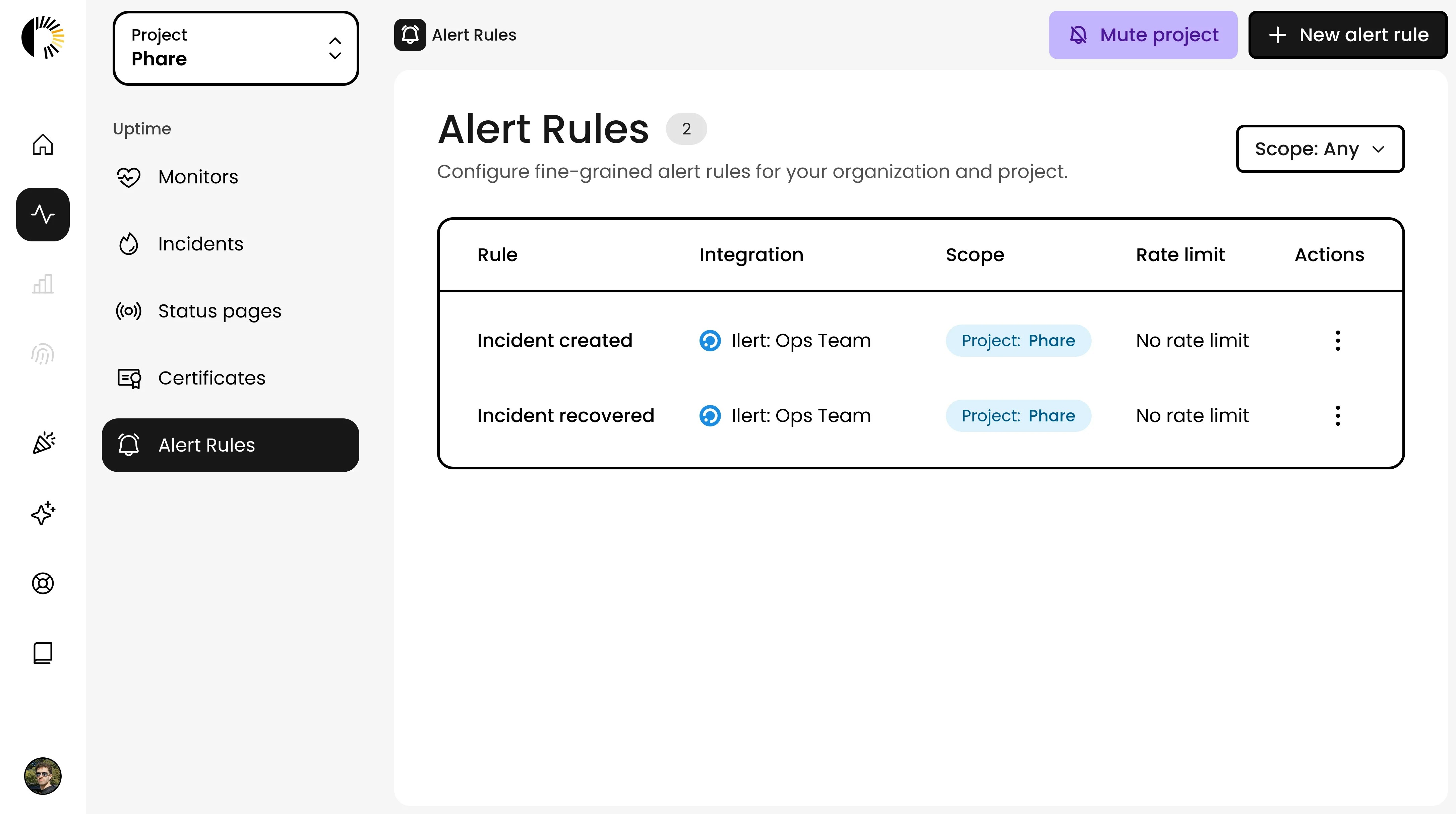
- Head over to the alert rules page, and ensure the project on the top left of your screen is the right one.
- Create Alert Rules (or edit existing ones) with the following event configuration:
- Incident created
- Incident propagated
- Incident recovered
- Monitor certificate discovered
- Monitor certificate expiring
- Save your changes
Automatic Resolution
When your service comes back online, Phare will now automatically tell ilert to resolve the alert. No manual cleanup needed! Your on-call team gets the complete story from problem to resolution, all without lifting a finger. Last modified on March 16, 2026