Ntfy is a simple and open-source notification service that allows you to receive push notifications on your devices. With the Phare integration for Ntfy, you can get real-time alerts about your monitored services directly to your preferred platform. Configure it in your integrations dashboard.
Pre-requisites
Before you can start receiving Ntfy notifications from Phare, install the app on your device or create an account in the web client. Once you’re set up, create a topic for the notifications.
Keep in mind that all Ntfy topics are public, so choose a unique name to avoid unwanted noise, or create your own server protected with an access token.
Configuration
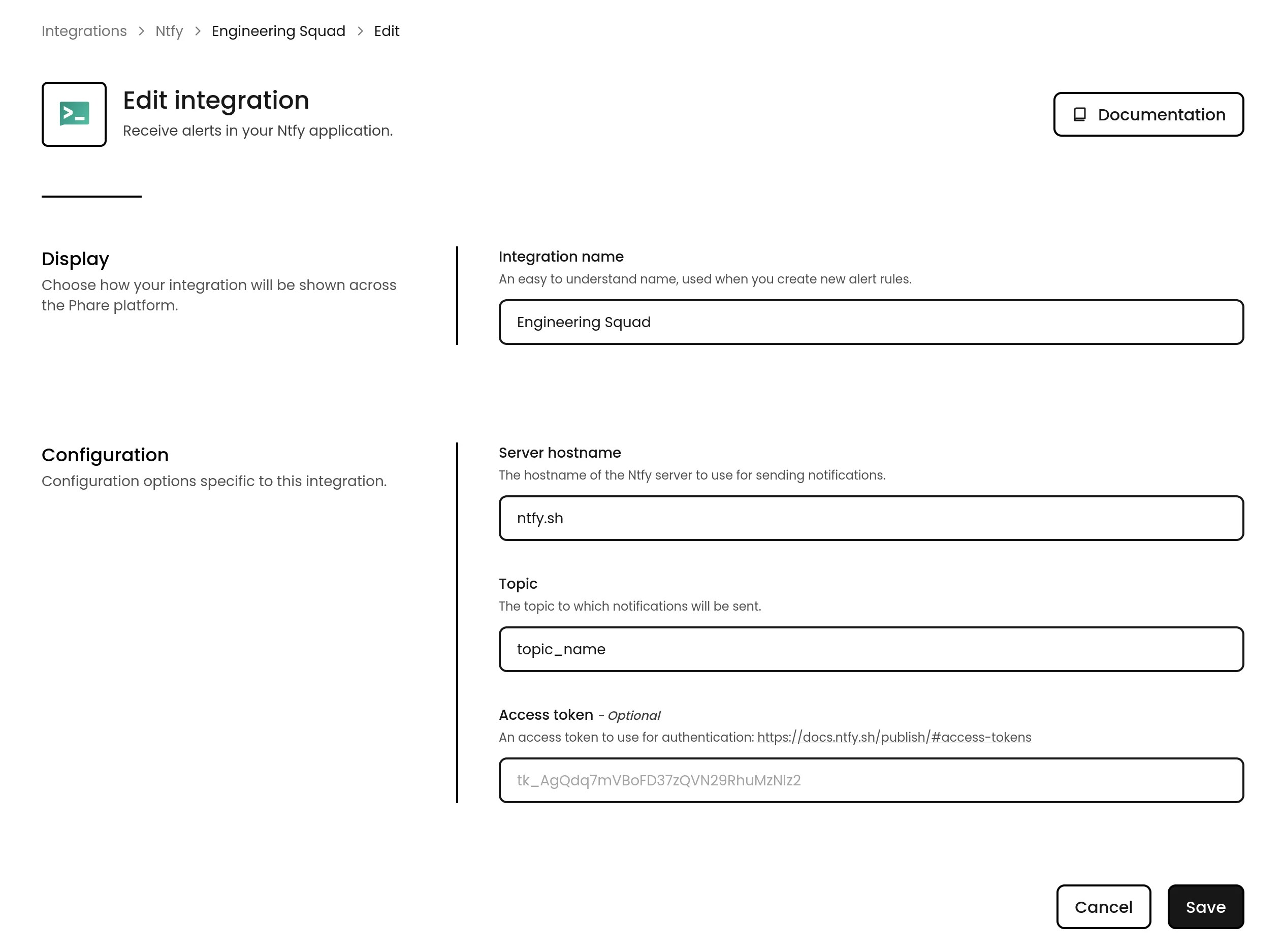
To configure the integration in Phare, head over to your integrations dashboard, find Ntfy in the list, and click the New installation button. Fill in the topic you created earlier and custom server hostname if required.
Usage
With everything connected, you can choose Ntfy as a notification channel when creating or editing alert rules. The best part? You can set different priority levels for different types of alerts, making that 3AM wake-up notification reserved for truly critical issues.
You can learn more about Ntfy priority levels in the Ntfy documentation.